© 2026 Noiseyard Ltd
Tier 1
|
Lite

Tier 2
|
Standard

Tier 3
|
Unlimited

All Tiers Include












Yes, we’re thrilled to offer a discount for annual subscriptions as a thank you for your commitment!
When you choose an annual plan, you receive a three-month discount compared to the monthly subscription rate. We genuinely appreciate your support and are excited to provide this benefit as a token of our gratitude for being a valued client.
Related help:
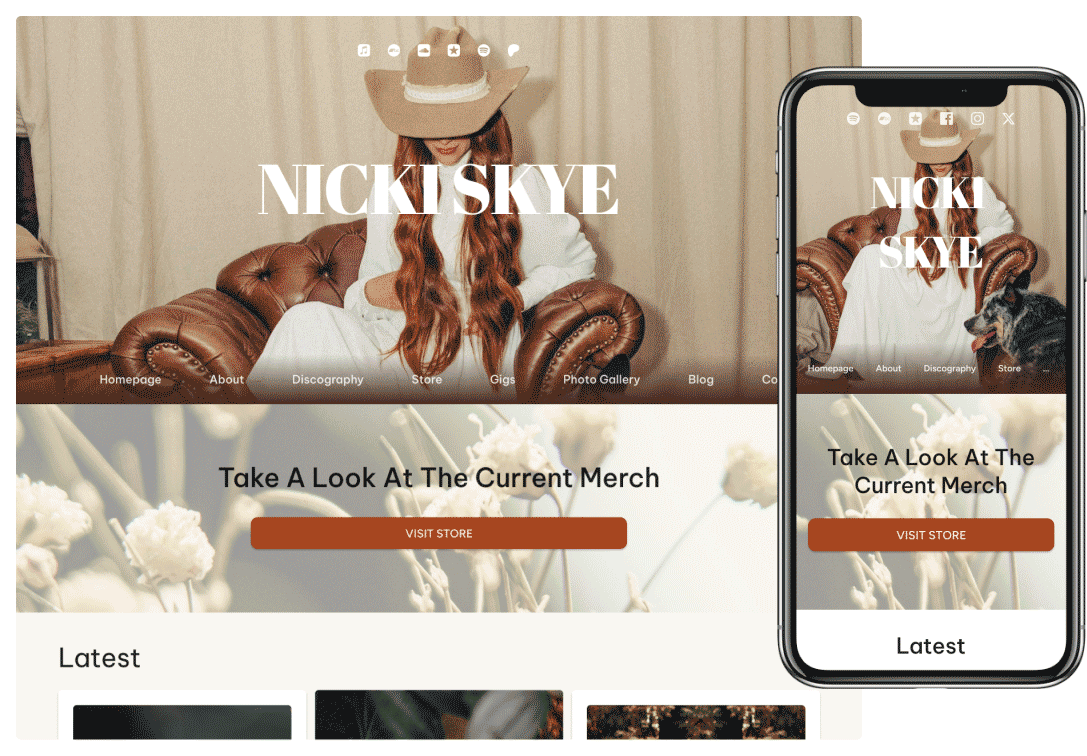
Yes, Noiseyard websites are fully optimized for mobile devices.
This means your site will look great and function seamlessly on smartphones and tablets, ensuring your fans have a smooth and engaging experience no matter what device they use.
Related help:
No, we don’t take any commissions from your sales—Noiseyard is 100% commission-free!
We also don’t hold any of your funds. All payments from your sales go directly to you.
The only fee you'll encounter is the transaction fee charged by your payment gateway, such as PayPal or Stripe. We recommend checking your payment gateway’s website for detailed information.
Related help:
A Noiseyard mailbox is a real email address at your own domain, like you@yourband.com, with its own inbox. It costs $2.90/month or $29.00/year, it comes with 10 GB of space, and it is billed together with your plan on the same receipt.
It is not a forwarder. You get a proper inbox you can read in your browser, on your phone and in any mail app, and you can reply from your own address instead of a personal Gmail one.
To add one:
Go to your Control Panel, then Site Management, then Mailbox.
Choose the name before the @. Your newsletter From name is suggested, so replies, newsletters and your inbox can all share one address. Moving an address you already use at your domain? Choose that same name.
Pick a mailbox password and type it again under Confirm password. This is a separate password from the one you use to sign in to Noiseyard. You type it once into your mail app.
Click Add mailbox and confirm. We set up your address and your domain's mail records for you.
Within a few minutes the page shows Active and we send you an email with your setup details. If your domain already gets email somewhere else, the page shows Waiting for switch instead, and nothing changes until you switch.
You also get hello@ at your domain for free (unless your mailbox is hello@ itself). It is a second address that arrives in the same inbox, so fans who write to hello@yourband.com reach you without you paying for a second mailbox. Under Mail Addresses on the Mailbox page, click + Add address to add more, up to 10 in all, for example info@ or booking@. Mail to any of them lands in the same inbox, and your replies go out from your mailbox's own address.
Messages from your website's contact form can arrive in your mailbox too. Go to your Control Panel, then Site Management, then Contact Messages, and pick your mailbox.
Please note that:
You need an active paid plan and a custom domain whose nameservers point at Noiseyard. During a free trial, or on a Noiseyard subdomain, the Mailbox page tells you what is missing.
When you add the mailbox, you pay today for the days left until your next payment, on one receipt. If that payment is 10 days away or less, those days are free and the mailbox is billed from that payment.
It is optional and you can remove it whenever you like. It works until the end of the period you paid for, then it stops receiving mail, and you have 30 days to save your emails before it is deleted.
Related help:
There aren’t many limits. After you concluded the Setup Phase and were assigned a Tier, you are officially one of the many talented artists on Noiseyard. The main limits you are subject to are your Tier limits.
Apart from this, we will provide you with a non-custom domain name for your trial phase. When your trial period ends, you will be gifted a custom domain name that you can choose to your liking. If you’d like to assign a custom domain name to your website right away, here’s how: How can I skip the trial period and choose a custom domain right away?
Please note that:
We will suggest you the Tier best fit to your needs after the Setup. But don’t worry, Tiers are flexible. You can always upgrade or downgrade your Tier according to your needs. To learn more about our Tiers, please visit: How do Tiers work?
Related help:
Yes, you can definitely change your subscription tier!
Our tiered approach is designed to be flexible, so you can upgrade or downgrade your plan based on your evolving needs. After the setup, we’ll recommend the tier that best fits your requirements. However, you always have the option to adjust your tier as needed, with billing and access reflecting your new plan.
For detailed information on how Tiers work, and to understand the process of switching tiers, please refer to the following articles:
If you need more detailed information about our tiers, visit noiseyard.com/en/pricing.
Related help:
When you register a new custom domain through Noiseyard, we will manage the domain on your behalf. Think of it as being in our expert hands. We’ll handle all the necessary configurations, including setting up automatic payment subscriptions and ensuring annual renewals, so you don’t have to worry about a thing.
After the initial 60-day period, you have the option to transfer ownership of the domain to yourself at any time. To start the transfer process, simply contact our support team and request the domain transfer.
Related help:
Yes, you can! It's a fairly easy process to direct your existing domain name.
Once your website goes live, you can add your existing domain to your website. To learn how to do this, refer to: How to connect a domain name I already own to my Noiseyard website?
Related help:
Still have questions?
Go ahead and send us an e-mail explaining what you need help with - setup, design, sales tools, or anything else.
We reply fast and aim to get back to you within one business day with clear, hands-on help.