MARKETING & PROMOTION
How to Make a Music Landing Page for a New Release

Doga

Oct 19, 2026
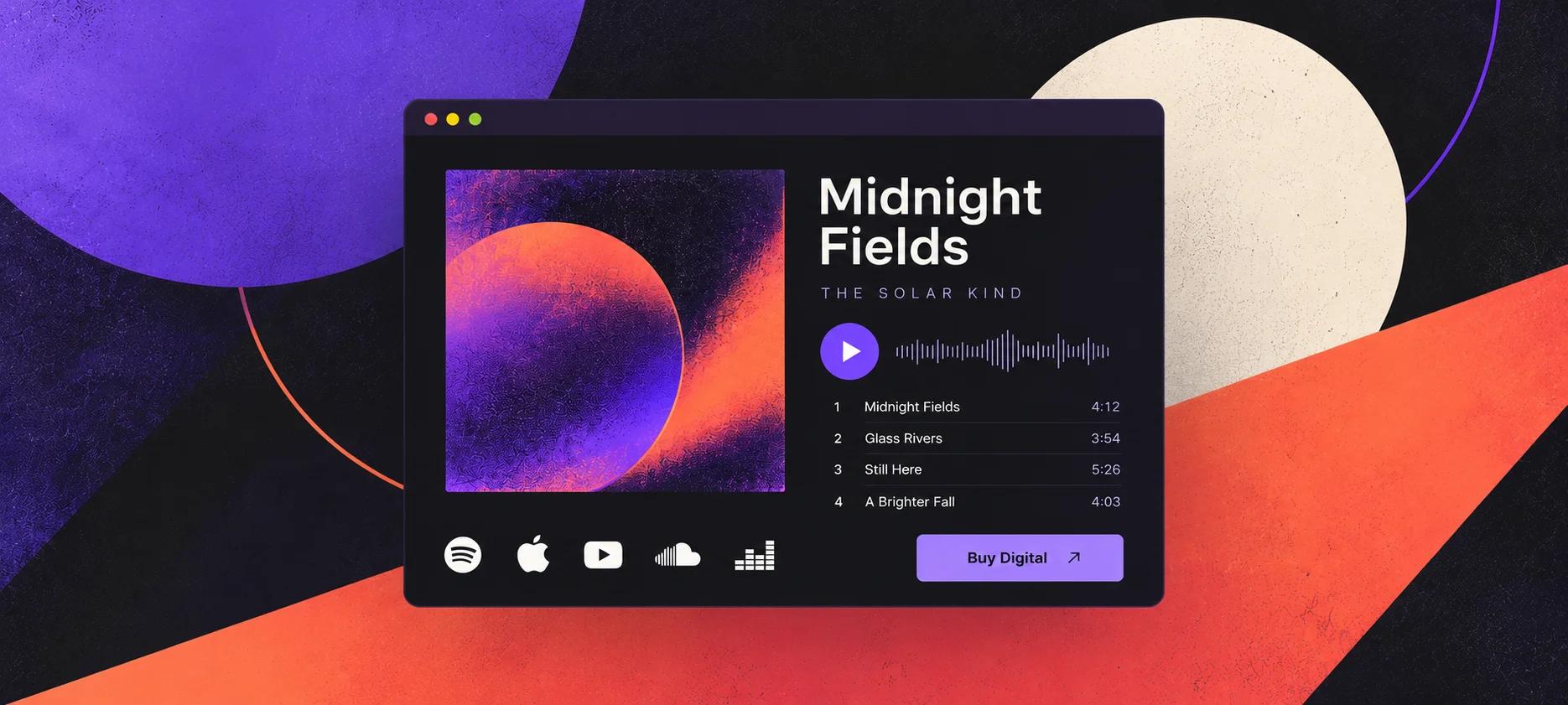
Someone follows a link from your new single's announcement. They should find that single, with artwork they recognise, a way to hear it and the places it's available.
This guide is for independent musicians, bands and DJs preparing a page for a single, EP or album that's available now. It covers the music, release details, streaming links and buying options, with a worked example you can adapt.
TL;DR
-
Use the individual release page on your own website as the link in that release's announcements.
-
Match the artist name, title and artwork to what people saw in the announcement.
-
Give listeners a player and links to the exact release on their preferred services.
-
Label digital and physical purchases clearly, and make joining your mailing list optional.
-
Test the published link on a phone before you send an email or post it.
Table of contents
What is a music landing page?
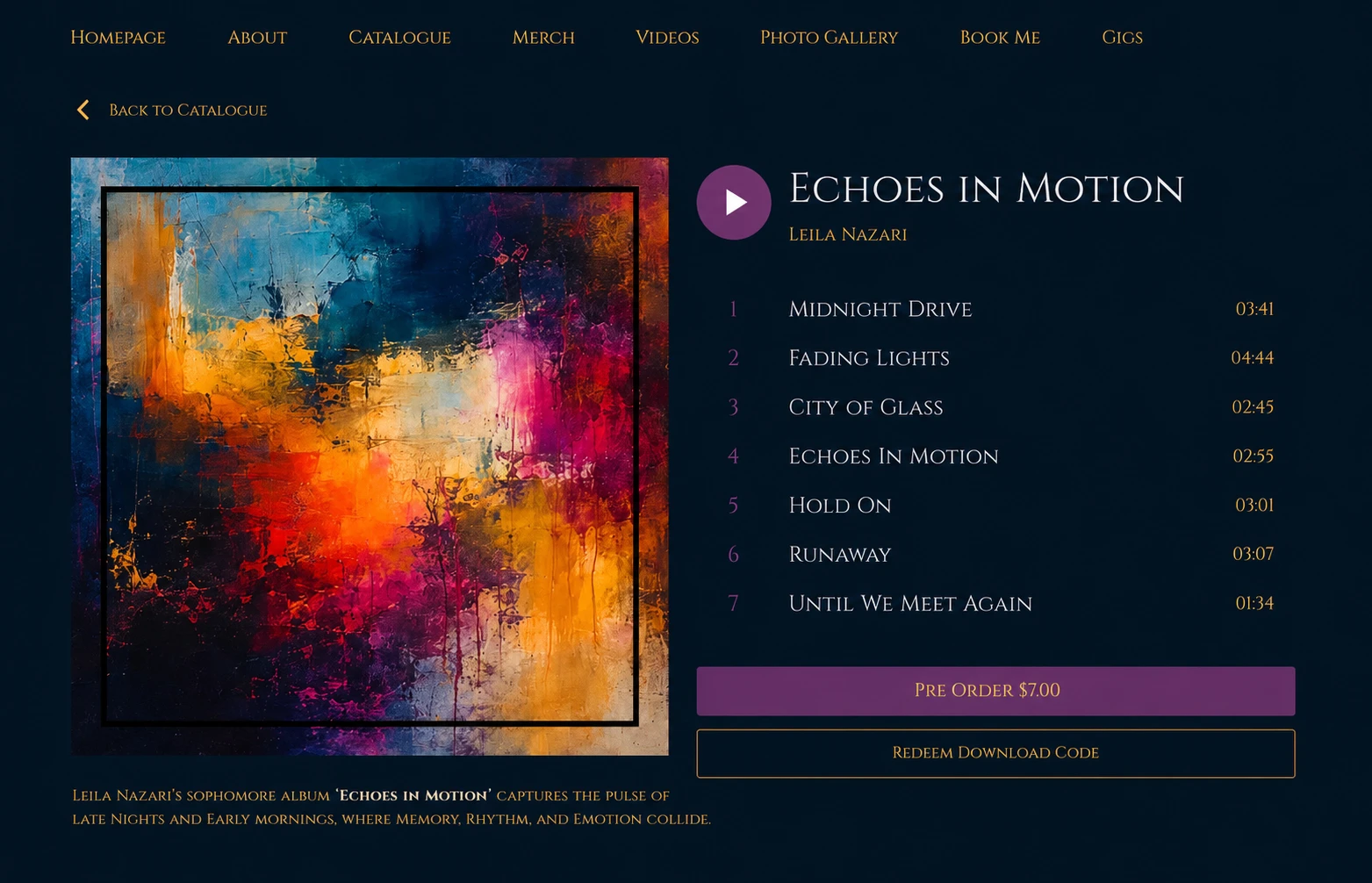
A music landing page for a release puts that single or album's artwork, artist name, title, player and listening or buying links together. You share its address in release announcements. Your website's existing release page can do this job, giving listeners several ways to hear or buy the same record.
Someone arriving from a song clip already has a particular release in mind. Keep the information on that page about the music they came to hear. Your full bio, tour history and older albums can stay elsewhere on the site.
The wider schedule, including distribution and playlist pitching, is covered in the music release checklist. Here, we're preparing the page you'll send people to once the music is out.
Start with the release's own page
Add the single or album to your website's Music or Discography section, then open the individual release. If there's already a page for it, start there. A link to the whole catalogue leaves someone looking for the track you just mentioned.
Keep one address for each release. Copy it from the published page, save it with your release notes, and use it whenever you share that single or album. Check that you've copied the public address, since an editor preview may only open for you.
A page on your own website can connect the release to your store and mailing list. When you later feature a different record on your homepage, the original release link can still take listeners to the music they expected.
Noiseyard's release pages support artwork, playback, release details and streaming links, with direct digital music sales on supported plans. If you're starting the whole site, the music website setup guide covers that wider build.
Make the music and release details clear
Use the same cover artwork, artist name and release title as the announcement. That helps someone recognise the record when the page opens, especially if they've followed a link from another artist's post.
Add the release date and check the track names and order. For a single, make sure the player opens the version you announced. For an EP or album, keep the track list in its intended listening order.
Give the music a short introduction, with one or two specific details about the recording. If your announcement features one song from an EP, name that song. Put longer credits and background information in the release description where there's room.
Check how the player behaves for a visitor. An embedded streaming player may offer a different listening experience depending on the service and the listener's account. Try it in a private browser window.
If you're using Spotify, follow its instructions for creating an embed for the track or album. An embed code creates the player. A share link is what you use for a link to that release on Spotify.
Add links to the exact single or album
Open the release on each service and copy its share link. Choose the song or album itself. A link to your artist profile leaves the listener looking through your catalogue again.
Check versions as you go. A single, an album track, a live recording and a remix can have similar names. Play a few seconds at the destination to confirm you've copied the right one.
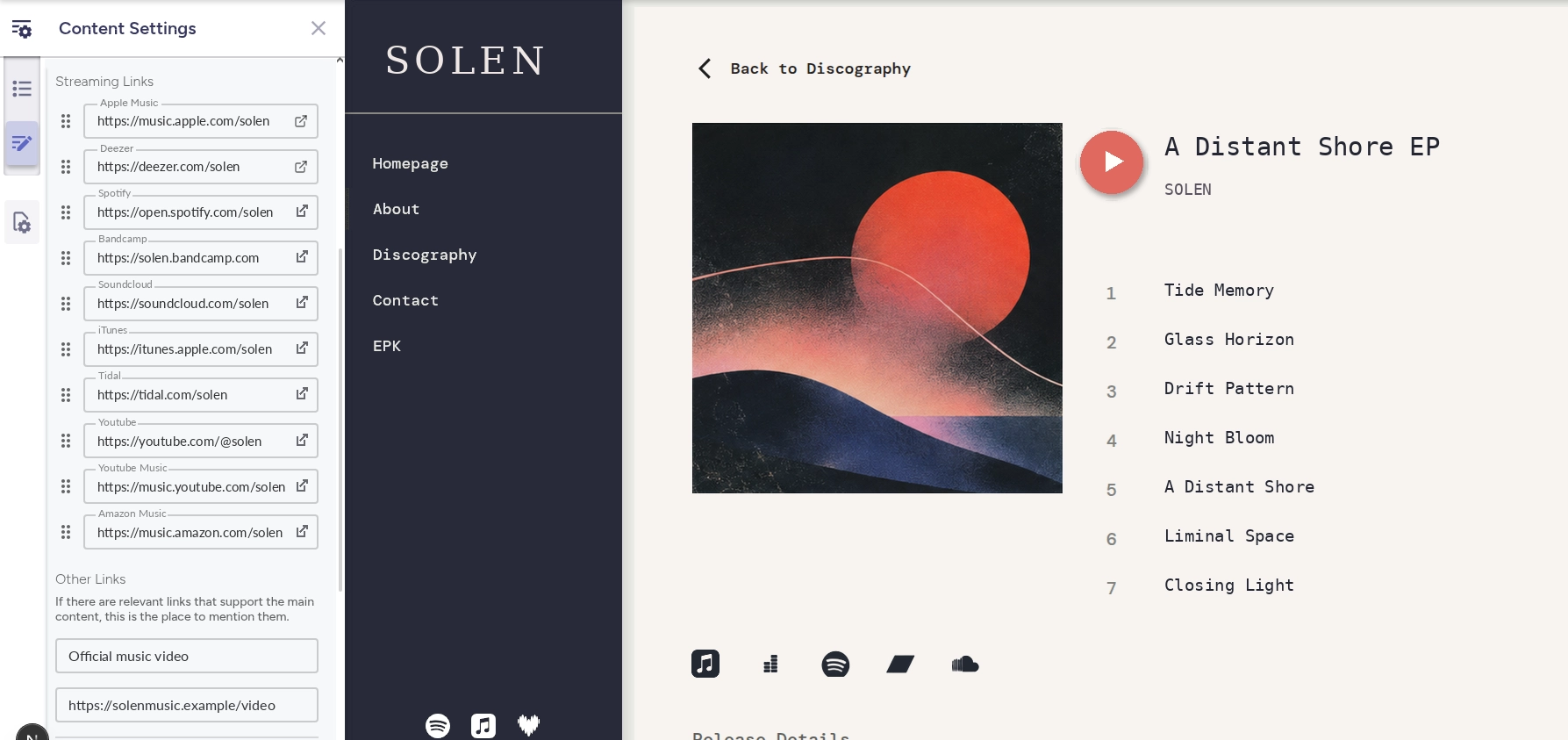
Add links that already open the release. Leave out a service until the music is available there, then add it and test it. A button leading to an error page gives a listener no useful next step.
Keep the available services together. Use their familiar names or platform icons so people can pick the one they use. A direct download purchase should be clearly separate from a streaming link.
Show exactly what fans can buy
If you're selling the release, make the format clear before checkout. Someone choosing between a download and a record needs to know which one they're paying for.
A digital album purchase should state what it includes, such as all four EP tracks. For a physical edition, link directly to that record's product page, where the price, stock and postage information belong.

Photo by Alizea Sidorov on Unsplash
Use labels such as "Buy the digital EP" and "Buy the vinyl" wherever you can name the links. If a download comes with the physical edition, say so only when you've arranged that delivery.
Keep the offer to the release people came for. A shirt from an older tour, a tip jar and unrelated products can stay in the store. If nothing is for sale, the player and streaming links are enough.
Setting up payments and a store is covered in the guide to selling your music and merch online. The release page needs to make the available purchase easy to understand.
An example for a four-track EP
Here's a fictional example for an EP called Night Bus by Morrow Arcade. The following is sample content to adapt, including places for the player and purchase links.
Release: Night Bus
Artist: Morrow Arcade
Format: Four-track EP, out now
Introduction: Four songs recorded live in our rehearsal room, with the same piano we take to shows. "Last Bus" is the song from the clip.
Player track order: Last Bus, Kitchen Light, Halfway Home, Morning Shift
Streaming links: Spotify, Apple Music, YouTube Music
Digital purchase: Buy the four-track EP, £4
Physical edition: Buy the CD, £8 plus postage
Release details: Release date, writing and recording credits
The prices are illustrative. Use your own formats, prices and credits, and include a physical edition only if you're selling one.
For a single, the same page can hold one track, its streaming links and a purchase if available. For an album, give the full track list room. Let your website's release layout handle how those pieces appear.
Give listeners a way to hear about the next release
After hearing the music, a visitor may want to know when you put out more. Make your mailing list available from the page, either through a visible signup form or a clear route to your signup page.
If the form is in your website's footer, check that it appears on the release page too. Send a test signup and check what happens next, including any confirmation email. Keep listening open to people who don't subscribe.
Tell subscribers what you plan to send, such as new songs and upcoming shows. The guide to building an email list as a musician covers the form, the invitation and what to send afterwards.
Test the page people will open
Publish the page, then open its public address on your phone. Also open it from inside an app where you'll share the link. That can reveal a playback or navigation problem you didn't see in the editor.
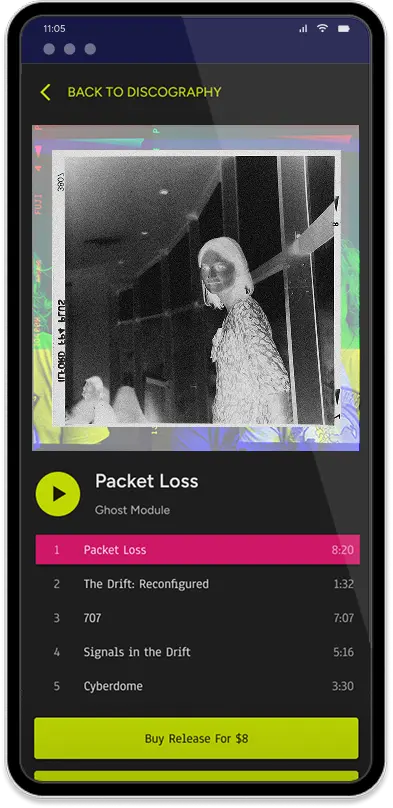
Start by playing the music. Check that the song matches the announcement and that track names remain readable. Try the page in a private window too, so you're checking it without your usual signed-in accounts.
Then open every streaming and purchase link. Check the title, version and format at each destination. If you're selling a CD, follow that link as far as the product's delivery information.
Copy the address from the published release page for your final test. Send it to someone who isn't signed into your website editor and ask them to find the song and the buying options.
If something is hard to find on your website, shorten the release introduction, review your chosen layout and remove any irrelevant links. Publish your changes and test the page again.
Build your own musician website
Music player, store, EPK, and mailing list, all built in. Start your 30-day free trial, cancel anytime.
Link to it from release announcements
Once you've checked the page, save its address with the artwork and announcement copy. Use it whenever the announcement is about that release.
-
Email: link the release's name or a button such as "Listen to Night Bus" to the page. The band newsletter examples include a short release email you can adapt.
-
Social posts and clips: use a direct link where the platform offers one. If you're sending people through a profile link, name the release there so they can recognise it.
-
YouTube: put the release link near the top of a long-form video's description if your channel has advanced features enabled. YouTube's link-sharing guidance explains that URLs in Shorts descriptions and comments aren't clickable. Use your channel profile links for that route.
-
Live shows: if you print a QR code for the release, scan it from the finished print. Confirm it opens this single or album on a phone.
Let the announcement describe what people will find. "Hear all four songs from Night Bus" suits the EP page. A post specifically selling the CD can link straight to the CD's product page.
Common mistakes to avoid
-
Sharing the editor preview: use the public release address and test it without an editor login.
-
Linking the wrong version: check the audio, especially when a song has remixes or live versions.
-
Adding unavailable services: wait until each link opens the release.
-
Leaving the format unclear: distinguish a digital purchase from a physical record.
-
Reusing an old release's address: give each record its own page so older announcements keep pointing to the right music.
Common questions
Can I use my homepage as a music landing page?
Yes, if it clearly features the release. An individual release page is useful when you'll keep sharing the record after your homepage changes. For the wider front-page layout, see what to put on your music website homepage.
Is a music landing page the same as a smart link?
A smart link commonly gives listeners one address with links to a release on several services. A release page on your website can also include playback, credits and purchases. Check individual tools for any automatic features you need. The Linktree alternatives guide covers the broader choice of where your bio link should point.
Can I publish the page before the music comes out?
Yes. Show the release date and describe what's available now. Add listening links when they become available. If you're taking payment before release, follow the separate guide to running an album pre-order. Check and update the page when the release goes live.
Do I need a full website to make a release page?
A standalone release-link tool can cover a player or a set of streaming links. Using your own website lets that release sit alongside your catalogue, store and mailing list. If you already have those, check the release page your site provides before adding another tool.
Should I delete the page when I release something new?
Keep it available while the release is available. Older emails, posts and printed QR codes may still send listeners there. Update broken links and remove sold-out buying options as needed. Your next single or album can have its own page.
Final thoughts
Choose one available release and open its page from an announcement link. Check the artwork, play the music, and follow the streaming and buying links. Once someone else can do the same without your help, save that address with your release materials and use it when you share the record.