Photo by Jesman fabio on Unsplash


Releasing music independently means you handle the parts a label would normally cover: distribution, timing, promotion, and collecting your royalties. Plenty of artists do all of it themselves and build real careers that way.
This guide walks through the whole process, from getting your audio ready to checking how the release performed. It is written for solo artists, bands, and producers putting out a single, an EP, or an album without a label.
Pick a distributor (DistroKid, TuneCore, CD Baby, Amuse, or AWAL) to get on Spotify and Apple Music.
Get your audio, cover art, and metadata right before you upload. Mistakes here cost you streams.
Set your release date 4 to 6 weeks out so you have time to pitch playlists and run a pre-save campaign.
Register with a PRO and SoundExchange so you collect every royalty you earn.
Sell and take pre-orders from your own website, so the fans and emails you gather stay with you.
Pick a distributor, get your audio and metadata right, then set a release date four to six weeks out. The distributor delivers your song to Spotify, Apple Music, and the rest. Register with a PRO and SoundExchange so you collect your royalties, pitch playlists before release day, and sell direct from your own website.
Releasing independently gives you creative control, full ownership of your rights, and a bigger share of the revenue. You decide how the music is promoted, when it comes out, and how it earns.
Owning your rights also lets you license your music for film, TV, and commercials, which is a separate income stream that a label deal usually takes a share of.
Before you distribute a track, make sure it is properly mixed and mastered. Clean audio gives you a better shot at playlists and airplay, and it keeps listeners from clicking away in the first ten seconds. If you are not sure about the final mix, it is worth paying an engineer.
Still deciding whether this is a single, an EP, or an album? Our guide to choosing the right release strategy compares the formats and when each one makes sense.
Digital distributors generally require WAV files (16-bit or 24-bit, 44.1kHz). WAV keeps the full dynamic range and detail of your recording, while MP3 compression throws some of that away. Platforms want lossless files so streaming quality stays consistent. Check your final file for clipping or distortion before you upload it.
Your track's metadata includes:
Artist name
Song title
Genre
Cover art (3000x3000 pixels, high resolution)
Release date
ISRC code (If you don't have one, most distributors will generate one for you.)
UPC code (Required for album releases)
Correct metadata is how streaming platforms categorize your music and recommend it to the right listeners. Get it wrong and your song can be filed under the wrong genre, credited to the wrong artist, or missed in search. Write your artist name exactly the same way on every release, because inconsistent spellings split your catalog across two profiles.
Get our new guides by email
To get your music on Spotify, Apple Music, Amazon Music, YouTube Music, and the other streaming services, you need a digital distributor. Some of the common options:
DistroKid – Fast, affordable, and allows unlimited releases for an annual fee.
TuneCore – One-time payment per release with 100% royalties.
CD Baby – One-time fee per release, plus distribution to additional stores like Shazam.
Amuse – Offers free and paid plans with no upfront costs.
AWAL – Selective distributor with additional marketing support for eligible artists.
They all deliver to the same major platforms, so the real differences are what they charge, whether they take a cut of your royalties, and how fast their support answers you. Pricing and terms change, so check the current plans before you commit.
Alongside a distributor, it is worth uploading to SoundCloud, Bandcamp, and Formaviva, where fans can follow you and buy directly.

Some services distribute for free and take a percentage of your earnings. Others charge upfront and let you keep 100% of your royalties. If you release rarely, a per-release fee can work out cheaper. If you put out several tracks a year, an annual subscription usually costs less overall.
Yes, with one limit. You can put your music straight onto Bandcamp and SoundCloud, and you can sell it from your own website, with no distributor in the middle. What you cannot do that way is get onto Spotify, Apple Music, or Amazon Music, because those platforms only accept music delivered through an approved distributor.
So the two routes do different jobs, and plenty of artists use both. A distributor handles the streaming platforms where new listeners find you. Your own site and Bandcamp handle the fans who already want to buy something, where a single sale is worth many times what that listener generates in streams.
A distributor also stops at delivery. It does not give you your fans' email addresses or a place to sell direct. If you run your pre-order, your direct sales, and your mailing list on your own site, the buyers and the addresses stay with you. How to sell your music and merch online covers setting that up, and on Noiseyard the store takes no commission on what you sell.
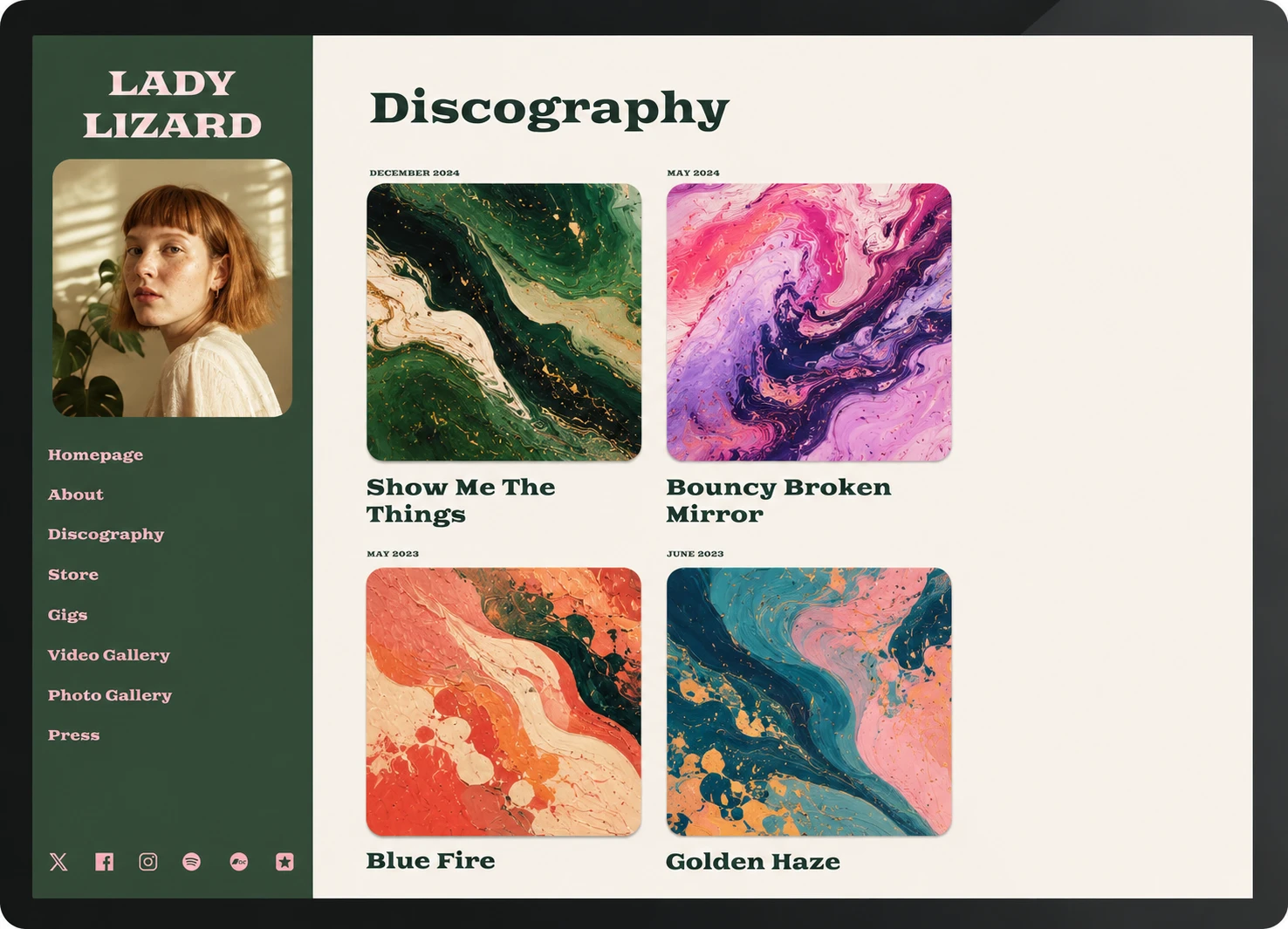
A release date set far enough ahead gives you room to build interest and pitch your song to playlists.
Aim for at least 4 to 6 weeks between finishing the track and putting it out. That window covers playlist submissions, press outreach, and a pre-save campaign, which are the things that give release day some momentum.
For a week-by-week breakdown of what to do before, during, and after release day, follow our music release checklist.
Spotify lets independent artists submit unreleased songs for editorial playlist consideration through Spotify for Artists. Its guidance is to deliver your music at least seven days before release so the editors have time to listen.
Pitch every release, even though editorial slots are a long shot. A song submitted at least seven days ahead also goes into your followers' Release Radar. That puts it in front of people who already follow you, whether or not an editor picks it up. Write a pitch that covers the song's mood, its genre, who it is for, and any traction your last release had.

Pre-saves let fans save your song before it comes out, so it appears in their library on release day. Early saves and repeat listens are the signals Spotify reads when it decides whether to push a track into Release Radar and Discover Weekly. Real ways to trigger the Spotify algorithm goes through which signals carry weight.
Services like Feature.fm and Hypeddit create pre-save links. Share yours on social media, in your newsletter, and anywhere your existing fans already look.
Use the platforms you already have to build interest in the weeks before release day:
Share behind-the-scenes clips of your recording process
Tease snippets of your song
Run contests to encourage engagement
Collaborate with other artists to reach their listeners
Use paid ads if you have a budget for them

Register before your release goes live, because royalties you fail to claim are usually gone for good.
Performing Rights Organizations (PROs) – Collect royalties when your song is played publicly (ASCAP, BMI, SESAC in the US, PRS in the UK).
SoundExchange – Collects digital performance royalties from services like Pandora and SiriusXM.
Mechanical Rights Organizations – Distributors often handle this, but services like Harry Fox Agency (HFA) and SongTrust can help.
YouTube Content ID – Makes sure you earn when other people use your music in their videos.
Coverage on music blogs and independent playlists puts your song in front of listeners who trust whoever recommended it. SubmitHub, Playlist Push, and IndieMono all connect artists with curators and writers.
SubmitHub – Submit your song directly to bloggers and playlist curators.
Playlist Push – Paid service that connects artists with Spotify curators.
IndieMono – A free alternative for indie artists.
Pitching press has its own rules, and how to get press coverage covers writing the email and picking who to send it to. For the curator side, read how to get your music on playlists.

Once the song is out, check what happened:
Spotify for Artists – Streaming data, listener demographics, and playlist adds.
Apple Music for Artists – Playlist adds and the cities where your song is being played.
YouTube Analytics – Engagement on your videos.
Your own website stats – Visits, plays, and which site each visitor arrived from, which connects a specific post or email to a real visit.
Look at which channel produced real listeners, then put more of your time there next release. How to tell if your music marketing is working covers which numbers deserve your attention.

Releasing independently is more work than handing a record to a label. You keep the ownership, you keep more of the money, and the fanbase you build belongs to you.
Get the unglamorous parts right first: clean audio, correct metadata, a date far enough out to promote, and your royalty registrations done before release day. Then give the release somewhere to send people. Your own website is where fans can buy the record, join your mailing list, and still find everything months later, once the release-week links have gone quiet.
Build your own musician website
Music player, store, EPK, and mailing list, all built in. Start your 30-day free trial, cancel anytime.
Looking for more ways to market your music? Read 10 ways to promote your music without a label.
It depends mostly on your distributor. Some have a free tier, while others charge a yearly subscription or a one-time fee per release, so check each one's current pricing before you commit. On top of that, budget for the parts you don't do yourself, like mixing, mastering, and cover art.
Through a distributor. Spotify does not take uploads directly from artists, so you choose a distributor, upload your finished master and artwork, set a release date, and they deliver it. Allow a few weeks before your date so the track is in the system in time to pitch it for editorial playlists.
Yes, but not onto the major streaming services. Bandcamp, SoundCloud, and your own website let you publish and sell music yourself with nothing in between. Spotify, Apple Music, and Amazon Music only accept releases delivered through an approved distributor, so you need one to reach them.
The two words get mixed up constantly. Publishing your music, in everyday use, means putting it out, which is what this guide covers. Music publishing in the industry sense means owning and administering the song itself, which is what a publisher or a PRO deals with. You can handle both yourself: release the recording through a distributor and register the songwriting with a PRO.
A distributor gets your music onto streaming platforms, where listeners discover new artists. A website of your own is where you sell direct, keep your fan emails, and control your own release page. They do different jobs, so independent artists commonly use both.
Singles are the usual choice for independent artists, because each one is a fresh reason to pitch playlists and post about your music, and you can spread several across a year. An EP or album makes sense when the songs belong together or you have a tour to build around them. Our guide to choosing a release strategy compares all three.
Set your release date at least 4 to 6 weeks out. That gives you time to submit to Spotify editorial playlists, run a pre-save campaign, and pitch blogs before the song goes live.
Yes. Nothing requires you to release under your legal name, and you can choose any artist name that is not already taken. The paperwork behind it still needs a real identity, because your distributor and your PRO have to pay someone, but the name listeners see is up to you. Keep that name identical everywhere so your streams and royalties are all credited to the same artist.
You do. Releasing through a distributor does not transfer your rights. You keep full ownership of your masters and your publishing, which is the main reason many artists choose to stay independent.
Pre-saves and streaming don't give you contact details. To build an email list, add a mailing list signup to your own website and invite fans to join when they pre-order or buy. How to build an email list as a musician covers what to offer people so they sign up.
Get our new guides by email.
Practical advice on promoting your music, getting gigs and selling online. You can unsubscribe at any time.