Photo by Winston Chen on Unsplash


This guide is for musicians deciding whether to build a website on WordPress, and for anyone who already runs one and is tired of the update notices. It shows what a music site on WordPress needs, the work that comes after launch and how to move off WordPress if it isn't for you.
WordPress.com includes the hosting and runs the updates. With the free WordPress.org software on your own hosting, updates and backups fall to you unless your host covers them.
By one security company's count, 91% of the new WordPress security holes found in 2025 were in plugins. Keep only the plugins you use and update them as soon as you can.
Back up both the database, which holds your posts, and the files, then keep copies away from your host too, on a cloud drive and your own computer.
Selling songs with WooCommerce? Upload them on the product page, since media library files open for anyone with the link, then check Tools > Site Health.
If you'd rather skip the upkeep, a music website service includes the hosting and the music pages, with no plugins to install or update.
Yes, as long as someone will give it some time every month. WordPress and its plugins can run a player, your show dates, a store and a mailing list signup form. On rented hosting, that time goes into the updates and backups for WordPress and every plugin, apart from any your host handles.
The web survey site W3Techs found WordPress on 38.3% of all websites in November 2026. Thousands of plugins add features to it, and choosing, setting up and updating the ones you need takes time.
Pick WordPress.com if you want the hosting and the updates handled for you, and WordPress.org if you're happy to rent hosting and look after the site yourself. The software is the same on both.
WordPress.org gives you the software free, to install on hosting you rent. WordPress's download page describes that route as "For anyone comfortable getting their own hosting and domain."
WordPress.com is a hosted service with plans from Free to Enterprise, and you can install plugins on any paid plan. The free plan uses a yoursite.wordpress.com address and shows ads to your visitors.
The rest of this guide is mostly about running WordPress.org on your own hosting, which is called self-hosting.
WordPress gives you pages, posts and a block editor, where each paragraph, picture or player is a block you add to the page. A music site needs the parts below, and each one comes from a block, a plugin or a service you connect.
The Audio block plays a song you upload. Paste a Spotify, SoundCloud, Mixcloud or YouTube link into an Embed block and you get that service's player. Bandcamp isn't on WordPress's list of embeds. As the admin of a self-hosted site, you can paste the code from Bandcamp's Share / Embed option into a Custom HTML block.
A player plugin adds a playlist with track names. A search for "music player" in the WordPress plugin directory returned 243 results in November 2026, so expect to compare a few before you pick one.
If your shows are on Bandsintown for Artists, add its WordPress plugin, Bandsintown Events. It lists your dates with ticket links and adds new ones by itself. To type dates into WordPress yourself, use a calendar plugin such as The Events Calendar, which has a free version.
WooCommerce, a free plugin from the company behind WordPress.com, runs a store for downloads and for physical products such as shirts and vinyl. If you sell songs as files on your site, upload them on the WooCommerce product page. WooCommerce's guide warns that anyone with the direct link can open a file uploaded through the media library, the public place where WordPress keeps your images and files.
Uploading on the product page still doesn't guarantee protection, which depends on your server and on the File download method under WooCommerce > Settings > Products > Downloadable products. Don't set it to "Redirect only (insecure)", since that lets anyone with the link download your songs. After you add your first song file, open Tools > Site Health > Status and check the WooCommerce uploads directory result. If it says the files can be reached directly, ask your host to block direct access to that folder. Then buy a test copy to check that downloads still work for buyers.
Our guide to selling your music and merch online has ideas for what to stock.

A mailing list usually runs on an email service such as Kit or Mailchimp, which holds your subscribers and sends the emails. You can add its signup form with a plugin, such as Kit's. The admin of a self-hosted site can also paste the form's embed code into a Custom HTML block. Our comparison of email tools for musicians helps you pick one.
On WordPress, your EPK, or electronic press kit, is an ordinary page. Give it the six sections in what to include in an EPK: your bio, music, photos, press quotes, show dates and booking contact.
Your theme sets the design, and how to choose an aesthetic for your musician website shows how to match it to your music. Many WordPress sites also use a drag-and-drop page builder plugin, and W3Techs found one of them, Elementor, on 31.4% of WordPress sites. Themes and page builders get updates too.
Each job below comes back for as long as the site is up. Some hosts take on a few of these jobs, so check what your plan includes.
WordPress should install its small maintenance and security releases by itself. If Update Now asks you for a server login, your site can't do this, so ask your host about it. Big new versions install by themselves only when automatic updates for them are switched on under Dashboard > Updates. Otherwise, someone has to click Update Now there.
Plugin and theme auto-updates are off until you switch them on, for each plugin under Plugins and each theme under Appearance. Switch them on for the plugins you trust, and WordPress normally runs those updates twice a day. Figures from Patchstack, a WordPress security company, suggest the most heavily targeted flaws of 2025 were typically hit within hours of going public.
When you update WordPress by hand, back up the site first and check that your plugins and theme work with the new version. Afterward, open the site to make sure everything still works.
Patchstack also counted 11,334 new security holes across WordPress, its plugins and its themes in 2025. Of those, 91% were in plugins and 9% in themes, with 6 in WordPress itself.
Install plugins only from the WordPress.org directory or from well-known companies. Use a strong password and two-step login, which you add with a plugin such as Two-Factor. On a plugin's page in the directory, check when it was last updated. A plugin that "hasn't been tested with the latest 3 major releases of WordPress" carries a warning that it "may no longer be maintained or supported".
A full backup has two parts, the database and the files, and you need both to restore a typical site. The database holds every post and comment. The files include your uploads, so your photos and songs are in there too.
The WordPress backup guide suggests a weekly backup for a smaller site. Keep at least three recent copies in different places, such as your host, a cloud drive and your computer. A backup plugin can make them automatically, and many hosts offer backups too. Make a manual backup now and then as well, to be sure the process works.

Once a month, set aside time for these:
Check that this week's backup ran, then install anything still waiting under Dashboard > Updates.
Open your site on your phone, play a song, open the shows page and add something to the cart.
Delete plugins you've stopped using, and check the rest for the untested warning.
Note when your hosting, domain and paid plugins renew.
WordPress is a good fit when:
you already know it, a bandmate or friend does, or you pay someone to look after it
you want custom code or full access to the site's files and database
you're happy to spend time each month on the checks above
What a band website designer costs covers paying someone to build the site and the monthly fees for looking after it.
WordPress is more than you need when nobody will keep it updated and you have no use for custom code or file access.
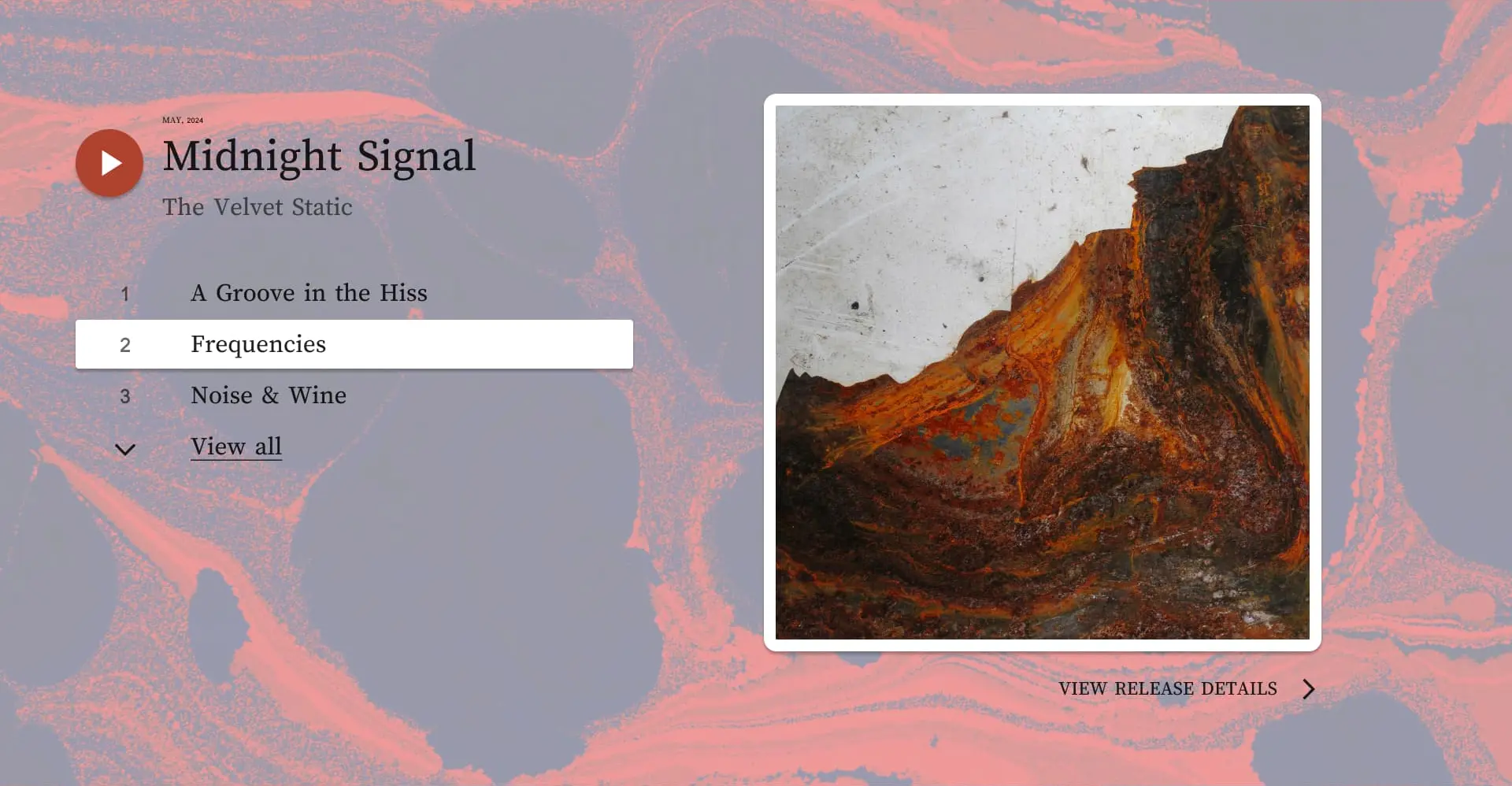
On a music website service like Noiseyard, the hosting and the music pages come in one plan, and our website hosting for musicians page lists what that hosting includes. There's nothing to install, so there are no plugins to keep updated. Every plan has a show calendar, an EPK page and a mailing list. Standard and Unlimited plans add the site's own player and a store with 0% commission, where you pay only Stripe's standard fees on each sale.
Either route can give you your own website at your own address. To compare a few options side by side, including WordPress, read our guide to the best website builders for musicians.
Build your own musician website
Music player, store, EPK, and mailing list, all built in. Start your 30-day free trial, cancel anytime.
If you're on WordPress now and want out of the upkeep, move the site in this order:
Find the domain login. Your domain might be registered with your host or with a separate company, and you'll need that login to point the domain at the new site.
Sort out email before you point the domain anywhere or cancel anything. If your email address comes with the hosting account, it stops when the account closes. Pointing the domain at a new site can cut it off sooner, unless its mail settings are copied across first. The custom band email address guide explains what to do when the domain already receives email.
Download everything. Tools > Export saves your posts and pages in one file, which another WordPress site can import. A full backup keeps the uploads folder with your photos and songs. On a service that can't import the file, you copy your pages in by hand and add your releases and products again.
Keep your mailing list. A signup form that fed an email service leaves the list in that account, and you can embed the same form on the new site. If a plugin kept your subscribers on the site itself, export the list before you cancel the hosting.
Once the new site is live, check the links in your social bios and streaming profiles, and fix any that point at an old page address.
Cancel the old hosting last, after the new site runs on your domain and you've saved the backup. If the domain was registered through that host, ask whether it stays registered and renewing after the hosting closes. If not, move it to another registrar and wait until the move is done before you cancel.
Ignoring the update emails. WordPress emails the site's owner when it updates a plugin or theme by itself, and when an update fails. Make sure those emails reach someone who will check your site.
Preloading whole songs. When the Audio block's Preload option is set to Auto, the whole file downloads as the page opens, and a large file can slow the page. Set it to None or Metadata.
One person holding every login. If the bandmate who built the site leaves, the band still needs the hosting, domain and WordPress logins. Keep them in a shared password manager.
The WordPress software is free to download and use. Self-hosting means paying for the hosting and the domain every year, plus any paid themes or plugins you choose. WordPress.com's free plan has no plugins, custom domain or audio uploads, so a site with a store, your own address or your own song files needs a paid plan.
Not for everyday edits. You add pages and blocks in the editor and install plugins from the dashboard. Fixing problems takes more digging, and WordPress.com says looking after a self-hosted site needs intermediate technical knowledge. If your site looks broken after an update and you can still log in, switch off the plugins that didn't come with WordPress. Turn them back on one at a time to see whether one of them is the cause. When you can't log in at all, ask your host for help.
No, WooCommerce takes no revenue share. You pay your payment company's fees on each sale, and paid add-ons, which WooCommerce calls extensions, cost $29 to $299 a year each.
It gets easier to attack. Only the latest version of WordPress is officially supported, and once a release fixes a security hole, the details are almost certainly public. Plugins carry the same risk, and Patchstack found attackers still trying old plugin flaws on sites that hadn't updated.
Yes. WordPress.com says any WordPress site can move to or from its hosting, wherever the site sits now, and you own your content on both.
Get our new guides by email.
Practical advice on promoting your music, getting gigs and selling online. You can unsubscribe at any time.