WEBSITE TIPS
Common Music Website Mistakes (and How to Fix Them)

Deniz

Aug 14, 2026

A music website has one job: turn a curious visitor into a fan, a buyer, or a booking. Plenty of musician sites quietly fail at it, and usually not because they look bad. They fail because of a handful of small, fixable mistakes that send people away before they ever hear a note.
This post is for musicians, bands, and DJs who have a website, or are about to build one, and want it to earn its keep. It walks through the most common mistakes that cost you fans and sales, and the simple fix for each, so you can run through your own site and sort them out.
TL;DR
-
Your site exists to turn a visitor into a fan, buyer, or booking. A few common mistakes quietly stop that from happening.
-
The big ones: the music doesn't play in one click, the site is slow or not mobile-friendly, there's no mailing list, the contact is buried, and it only links out to streaming.
-
The fixes are small: lead with your music, keep it fast and mobile, make the signup loud, and put one clear contact everywhere.
-
Send people to a home base you own, keep it current, and let fans buy and join right there.
-
If your builder makes any of these hard to fix, that's the sign to move to one made for musicians.
Table of contents
What are the most common music website mistakes?
The biggest ones are hiding your music so a visitor can't hear you in one click, a slow or non-mobile site, no mailing list signup, buried contact details, and sending fans off to streaming instead of keeping them on your own page. Each has a quick fix, and many of them come down to the platform you build on.
1. Your music doesn't play in one click
This is the most costly mistake, because the music is the whole reason someone came. If a visitor has to click into a menu, wait for a splash page, or leave for another site to hear you, a lot of them just leave instead.
The fix: put a player on your homepage and let a song play with one click, no splash screen, no autoplay that startles people, no extra hop. Lead with your strongest track, the way you'd open a set, so the first thing anyone gets is you at your best.
2. The site is slow or not built for phones
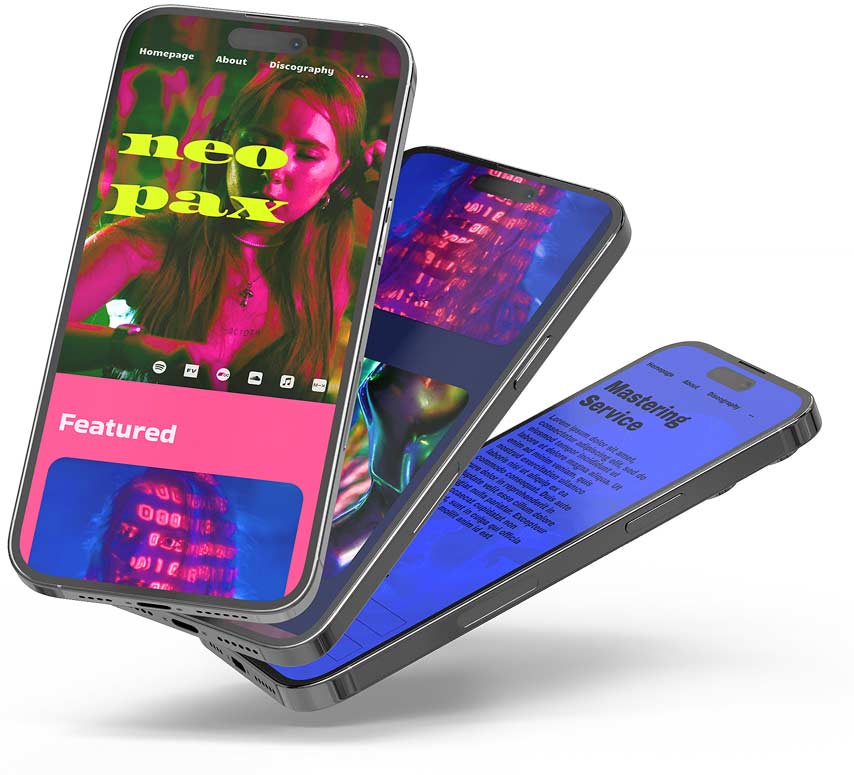
Speed and mobile are the mistakes people miss, because their own site loads fine on their laptop. But the majority of your visitors are on a phone, on patchy signal, and they won't wait. Google's research found that 53% of mobile visitors leave a page that takes more than three seconds to load. If your site is heavy or doesn't fit a phone screen, you can lose half your audience before a note plays.
The fix: use a fast, mobile-friendly platform and keep your pages light, with right-sized images. Check your own site on your phone regularly, since that's how nearly everyone will see it.
3. There's no mailing list signup, or it's hidden
Your mailing list is the one audience you own and can reach without an algorithm in the way. A site with no signup, or one tucked in the footer, throws away your warmest fans, the ones who would have joined if you'd asked.
The fix: put a signup form somewhere obvious on every page, and give people a reason to join, a free track, an early listen, first pick of tickets. There's a full guide on building an email list as a musician.
4. Your contact details are buried or missing
A booker, a promoter, or a journalist who can't find how to reach you moves on to someone they can. A site with no clear contact, or one hidden three clicks deep, costs you gigs and coverage you'll never even know you missed.
The fix: put one clear contact route on every page, an email or a form, tied to your own domain. If you take booking or press enquiries, say so plainly and make the message a click away.
5. Every link sends fans away to streaming
A lot of sites are just a wall of buttons that fire visitors straight off to Spotify, Apple Music, and Instagram. That feels helpful, but it empties your own page: the fan leaves, and you have no way to reach them again or sell them anything.
The fix: let people listen, buy, and join your list on your site first, and treat the streaming links as a secondary option rather than the main event. You can't email a Spotify follower, but you can email someone who joined your list on your page.
6. You point people to a scattered link list
Sending your whole audience to a Linktree in your bio feels tidy, but it's a dead end you don't own: no music playing, no store, no email capture, and someone else's branding on it. Every fan who taps it ends up somewhere that can't do much with them.
The fix: point your bio and posts at your own site, which does everything a link list does and more, on a page you control. There's a full breakdown in Linktree alternatives for musicians.

Photo by Peter Orsel on Unsplash
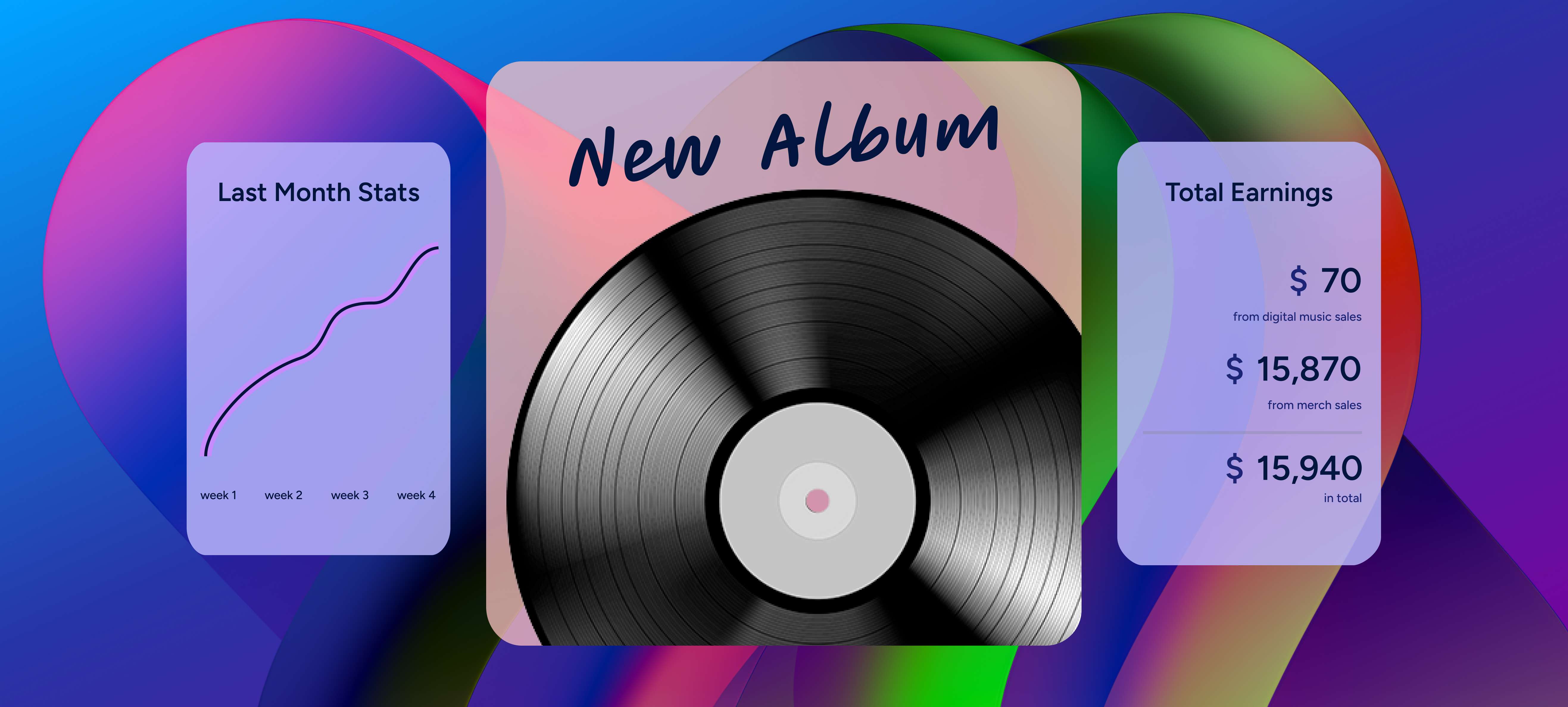
7. There's no way to buy or support you
If a fan is on your site loving a song and there's nothing to buy, no download, no merch, no tip jar, that's money and goodwill left on the table. Plenty of musician sites are a brochure when they could be a shop.
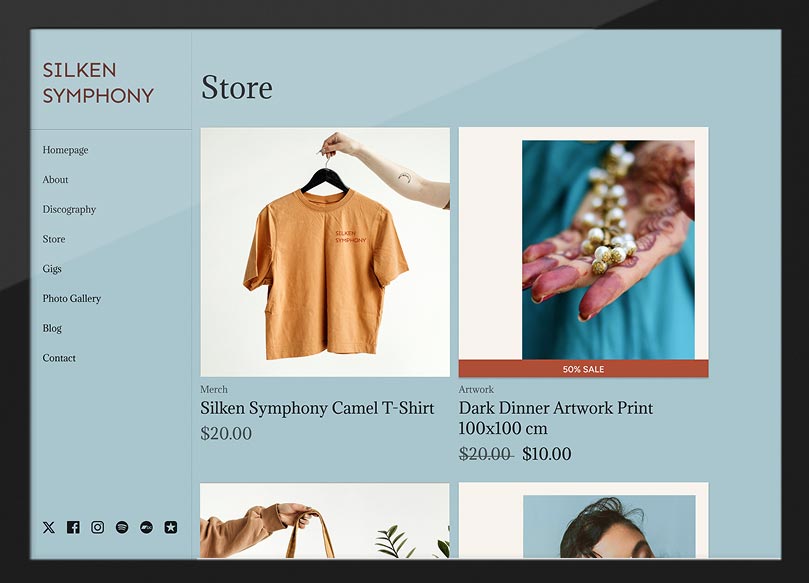
The fix: add a store for your music and merch, and a tip jar for fans who just want to support you. It sits right next to the music that won them over, so a moved listener can act on the spot. For ideas on what to offer, see how to sell your music and merch online.
8. A weak or missing bio
When someone new arrives on your site, they want to know who you are in a few seconds. A missing bio, or a stiff third-person paragraph nobody reads, leaves fans, bookers, and press with no story to latch onto.
The fix: write a short, real bio that says who you are, what you sound like, and one or two genuine highlights, in a voice that matches your music. There's a full walkthrough in how to write an artist bio.
9. Stale, out-of-date content
Old tour dates from last year, a "latest release" that's two albums behind, dead links, and broken players all tell a visitor the same thing: this artist isn't active. A neglected site can do more harm than no site.
The fix: treat your website as a living asset you keep updating. Refresh your dates, your featured release, and your photos around each release or tour, and check now and then that your links and players still work.
10. Ignoring the SEO basics
If your site doesn't turn up when someone searches your name, you're handing that visitor to a stale social profile or, worse, to another artist with the same name. Missing the basics means fans who are looking for you can't find you.
The fix: make sure your artist name is in your homepage title and headings, add alt text to your images, and use a custom domain. (If your builder handles this technical side for you, it mostly takes care of itself. If it doesn't, there's a musician SEO guide to work through.)

Photo by Stephen Phillips - Hostreviews.co.uk on Unsplash
How to fix most of this at once
Read back through those mistakes and a pattern shows up: a lot of them come down to the platform. A generic website builder leaves you fighting the speed, the mobile layout, the SEO, the store, and the mailing list yourself, which is how these problems creep in.
A builder made for musicians handles most of them by default, a fast, mobile-ready site, a music player, a store, a signup form, and the technical SEO, already set up, so you fill in your content instead of patching holes. If your current site makes these hard to fix, that's the real signal to switch. There's a step-by-step in how to make a music website, and a comparison of options in the best website builders for bands and musicians.
Build your own musician website
Music player, store, EPK, and mailing list, all built in. Start your 30-day free trial, cancel anytime.
Common questions
What is the most common mistake on musician websites?
Hiding the music. If a visitor can't hear a song within one click, a lot of them leave, because the music is why they came. Put a player on your homepage that plays your strongest track right away, with no splash page or extra hop in the way.
Why is my music website not getting visitors or sales?
Usually a few things stack up: the site is slow or hard to use on a phone, there's no mailing list to bring people back, no clear way to buy, and it doesn't turn up when someone searches your name. Fix the speed, add a loud signup and a store, and cover the SEO basics, and both traffic and sales tend to improve.
Does my music website need to work on mobile?
Yes, more than anything. A large share of your visitors arrive on a phone, and Google found that over half of mobile users leave a page that takes more than three seconds to load. A site that's slow or awkward on a phone loses a big share of your audience before the music even plays.
How often should I update my music website?
Around every release and tour at a minimum, plus a quick check now and then that your links, players, and dates still work. Old content makes you look inactive, so keeping your featured release, photos, and dates current is one of the easiest ways to keep the site working for you.
Should I use a Linktree or my own website?
Use your own website. A link list is a dead end you don't own: no music playing, no store, no email capture. Your site does everything a Linktree does and more, on a page you control, so point your bio and posts there instead.
Final thoughts
None of these mistakes are hard to fix. The trick is spotting them, because your own site always feels fine to you, the person who built it and never sees it cold on a phone with the clock ticking.
Open your website on your phone as if you were a stranger who just heard your name, and run down this list. Can you hear the music in one click? Is it quick? Can you join the mailing list, buy something, and find how to get in touch? Fix the answers that are no, keep it current, and your website goes from a brochure that sits there to a page that quietly brings in fans, sales, and bookings.