





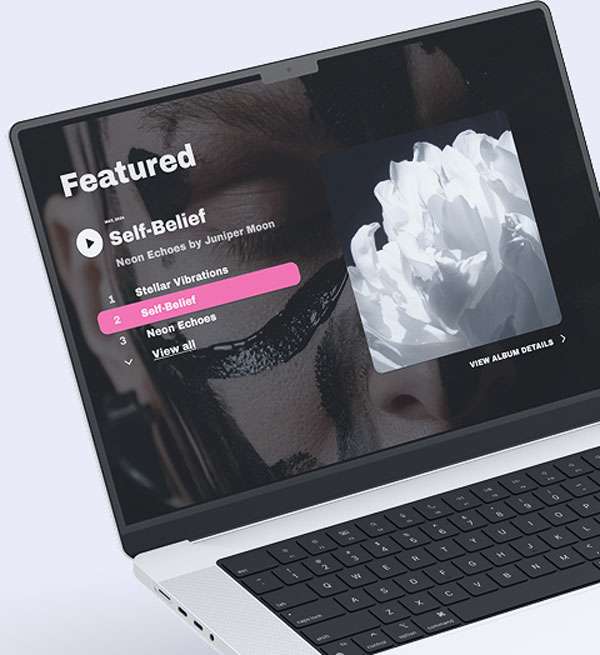
Works with the platforms you already use
Your music website connects directly to Spotify, SoundCloud, YouTube, Bandsintown, Meta Pixel, Stripe, and Printful. Add your content from where it already lives.

Link your social and stay connected
Add links to your social profiles and newsletter signup, or use Noiseyard’s built-in newsletter tools to keep fans updated.

Embed your music & videos
Add tracks from streaming platforms and videos from YouTube or Instagram. All fully responsive on your site.

All your events in one place
Sync your gigs from Bandsintown and display them automatically on your event calendar.

Fan tracking with Meta Pixel
Measure conversions and see how fans interact with your website using Meta Pixel.

Get paid with Stripe
Sell music and merch, and get paid instantly through Stripe. No middlemen, no delays.
Sell music and merch, commission-free
Sell music and merch directly from your website. You can also offer print-on-demand merch through Printful.

Everything your music website
needs to succeed

Free custom domain name
Choose a custom domain for your musician website and make your online presence truly yours.

Fast & reliable website hosting
Noiseyard hosts every music website with secure, high-speed servers so your site loads fast on any device: desktop or mobile.

SEO for musicians
Get discovered by fans and rank higher on search engines with built-in SEO tools designed for musicians, DJs, and bands.

0% commission fees
Sell music and merch directly to fans and keep all of your revenue. Noiseyard takes zero commission, with optional print-on-demand merch via Printful.

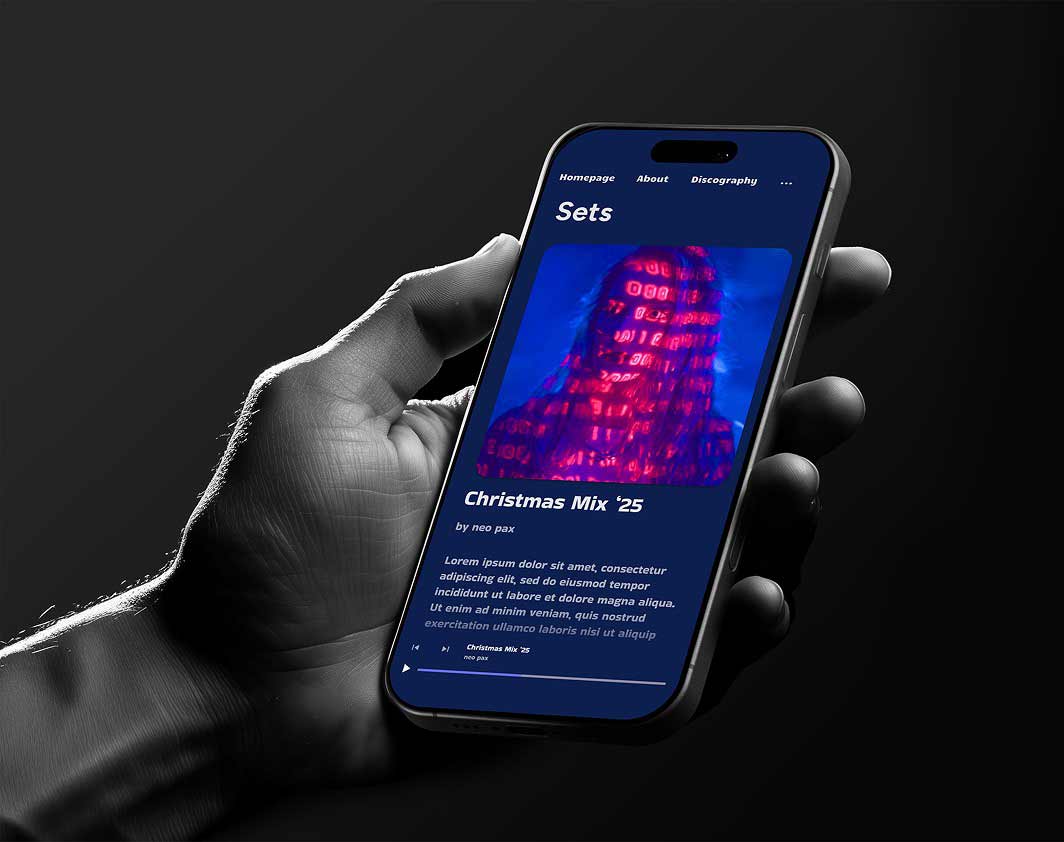
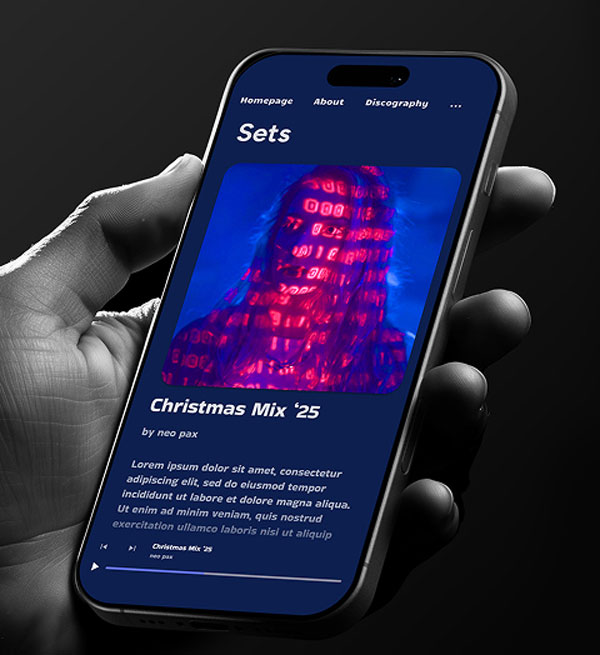
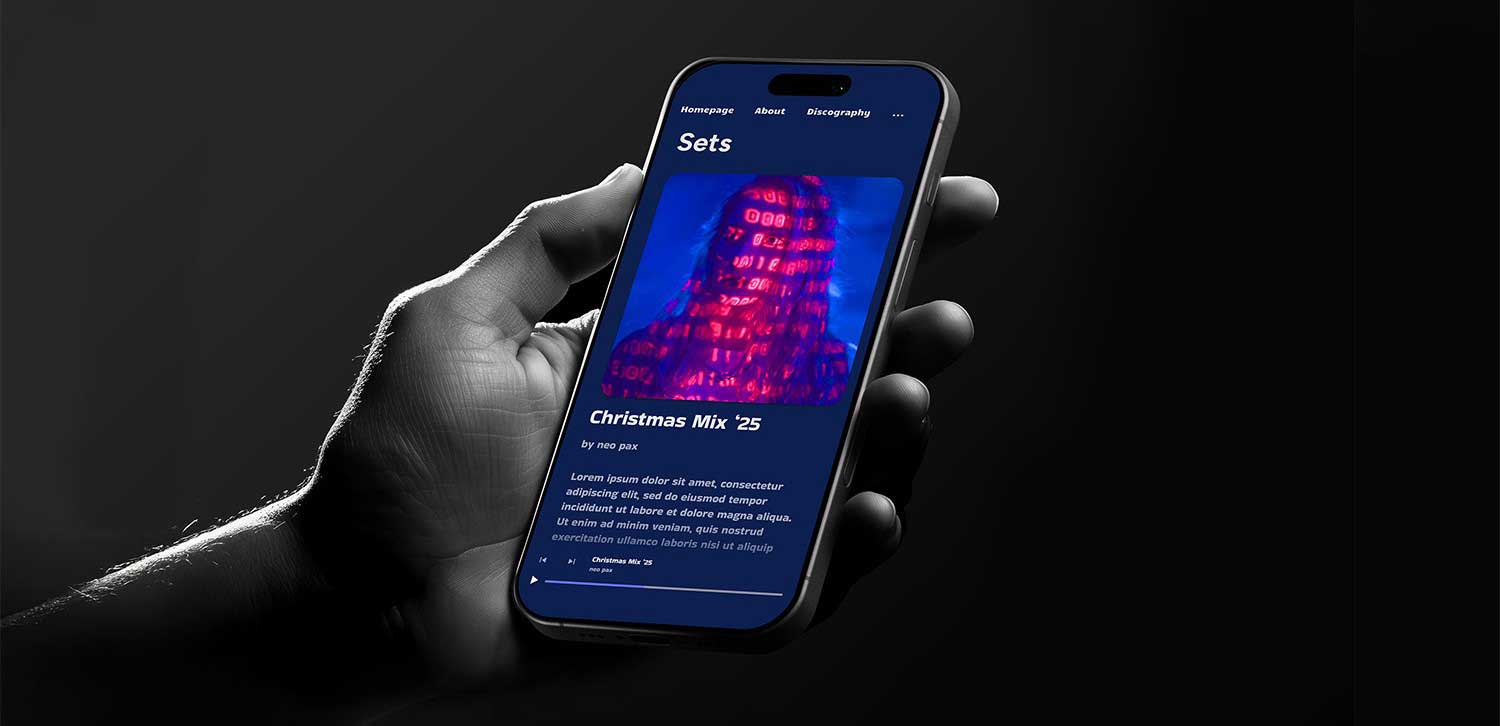
Sitewide music player
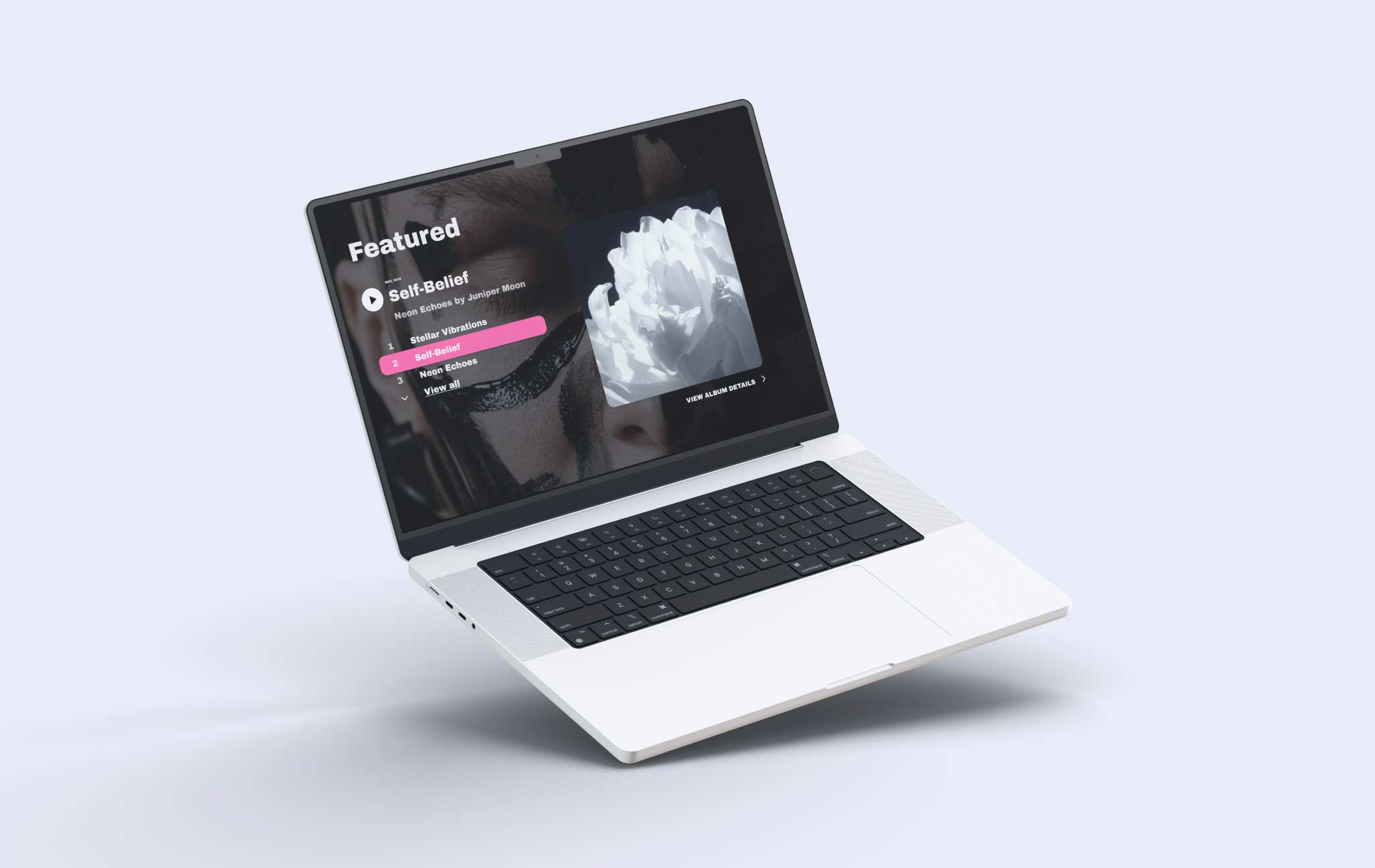
Upload your albums, singles, and tracks so fans can listen to your music directly on your website.

Event Calendar
Keep your audience updated on gigs, releases, and tour dates with a simple built-in calendar, and let fans support you with a Tip Jar.

Fan insights & analytics
See how fans interact with your music website. Track traffic, plays, sales, and conversions using built-in analytics and tools like Meta Pixel.

Built in Newsletter tools
Send updates and announcements to your fans directly from your musician website, with the option to connect external newsletter tools.

Smart Integrations
Use Bandsintown, Meta Pixel, external newsletter tools, music embeds, and print-on-demand services like Printful. All supported alongside our tools.
Frequently Asked Questions
What is Noiseyard, and is it a website builder for musicians?
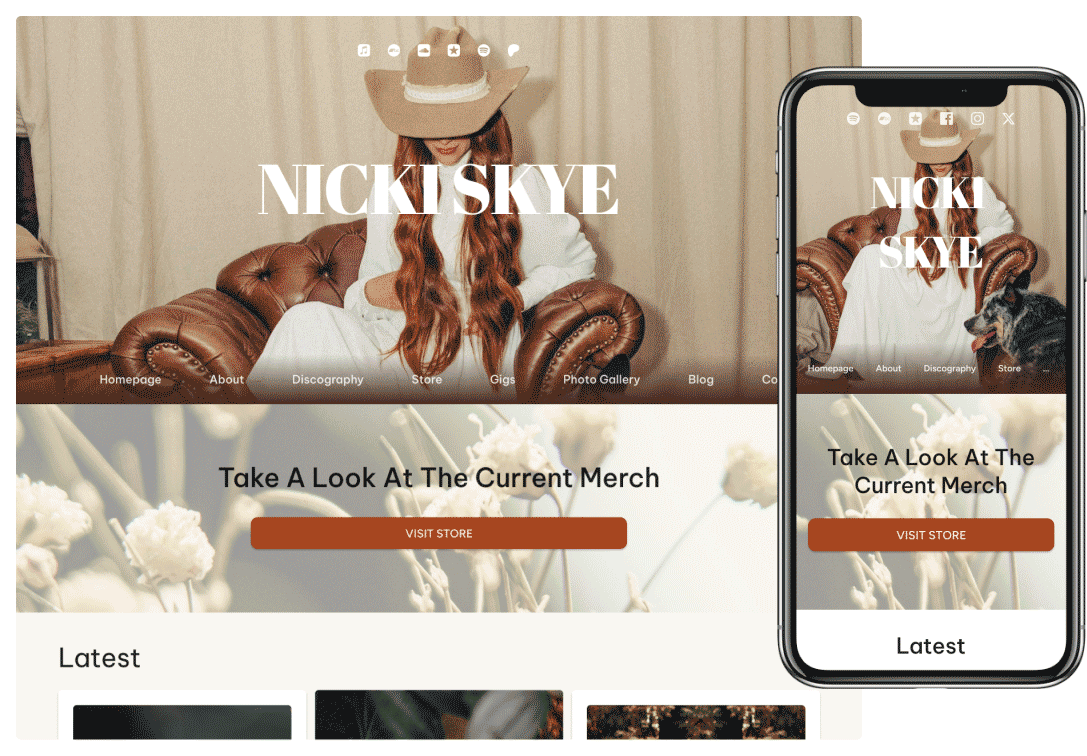
Noiseyard is a music-focused website builder for musicians, bands, and DJs. Unlike general-purpose builders such as Wix or Squarespace, Noiseyard ships with music-shaped pages already structured for you: About, Discography, Photo and Video Gallery, Blog, Mailing List, Store, and EPK.
You pick a template, answer a few setup questions, and your music website goes live in minutes. No coding or design experience required. Free for 30 days, cancel anytime.
What pages should a music website include?
A complete music website usually includes: Home (your artist identity and latest release), Music or Discography (Spotify, SoundCloud, or Bandcamp embeds, or direct downloads and sales), Store (vinyl, CDs, apparel, digital downloads), About or EPK (artist bio, press photos, downloadable press kit for promoters, journalists, and venues), Photo and Video Gallery, Contact (booking and press inquiries), and a Mailing List signup so fans hear about new releases and tour dates.
In Noiseyard, every one of those pages is pre-built for musicians. You drop in your content - tracks, bio, photos, gigs, merch - and publish.
How does Noiseyard compare to other music website builders like Bandzoogle, Wix, or Squarespace?
Wix and Squarespace are general-purpose website builders. You can build a music website on either, but you assemble music-specific features (EPK, music players, merch store, mailing list) yourself from blocks or third-party widgets.
Bandzoogle is a music-first website builder aimed at the same audience as Noiseyard.
Noiseyard is a music-focused website builder for musicians with zero platform commission on every direct music and merch sale, a built-in fan mailing list on every plan, pre-built music pages (EPK, Discography, Store, Gallery), Stripe-backed direct payouts, and a free 30-day trial you can cancel anytime.
How hard is it to make a music website?
With Noiseyard, it takes minutes. Choose a template, answer a few setup questions, and your site structure is ready. You just add your content.
No coding or design experience needed.
Do I need to know how to code?
No. Noiseyard handles all the technical setup. You pick your template, answer questions, and publish. No code at any step.
Can I use my own domain name?
Yes. You can connect your existing custom domain or register a new one for free, depending on your plan.
What pages can I add to my music website?
You can add About, Discography, Photo Gallery, Video Gallery, Blog, Contact Form, Mailing List Signup, Store, EPK, and more.
All pages are ready to use - you just add your content.
Can I sell music and merch from my website?
Yes. Noiseyard includes built-in selling tools so you can sell tracks, albums, and physical products directly to fans with zero platform commission.
Printful integration for print-on-demand merch is also available on Medium and Highest tiers.
For a full feature-by-feature walkthrough (store types, Stripe payouts, pre-orders, coupon and download codes), see Online Selling for Musicians.
Can I embed music from Spotify or SoundCloud?
Yes. You can upload tracks directly or embed from streaming platforms like Spotify, SoundCloud, or YouTube.
Is there a free trial?
Yes. Every plan starts with a 30-day free trial. You add a payment method at checkout to begin it, and if you cancel before the 30 days are up you are not charged.
Can I grow my mailing list from my music website?
Yes. Noiseyard includes a built-in mailing list and newsletter tool. Collect fan emails, manage subscribers, and send newsletters. No third-party service needed.
Need help choosing your setup?
All our music website templates work the same, they just change the layout and style.
Pick one you like (you can switch templates anytime). Need help? Contact us.


