Photo by Eric Krull on Unsplash


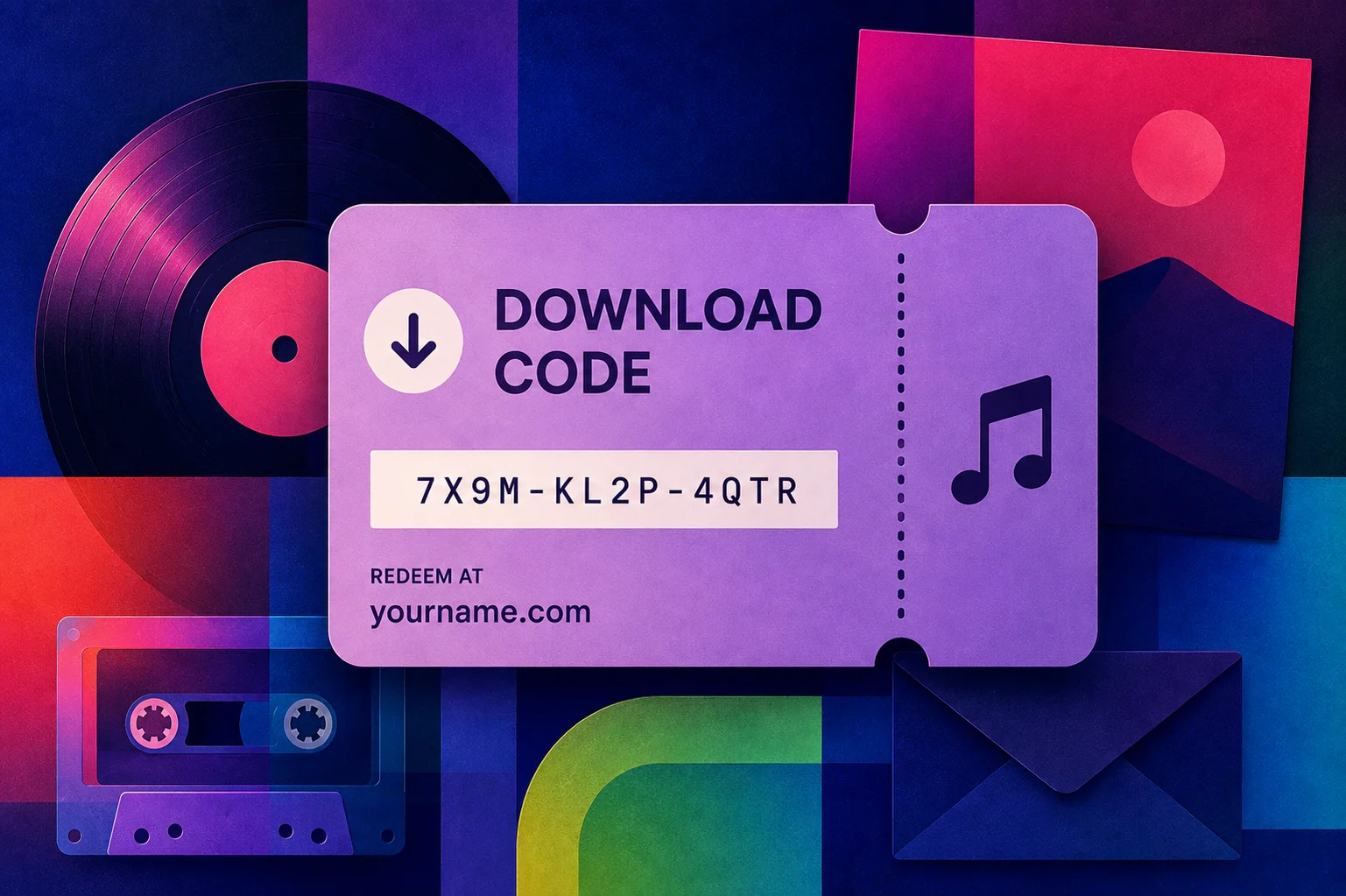
A download code is a short code that lets one person download your music for free. You make a batch, hand them out, and each person types their code on a page that sends them the files. Bands print them on cards inside vinyl sleeves, hand them over at the merch table, and email them to press and to their mailing list.
This post is for musicians, bands, and small labels who want to give music away and still know who got it. It covers where codes come from, what to use them for, and how to set a batch up. It also covers what to check before you print anything, and the mistakes that leave you with a stack of dead codes.
A download code unlocks one free download of one release, and each code works for one person only.
A Bandcamp account comes with 200 codes, made in batches of a hundred, and unused codes never expire.
Codes made from your own store are redeemed on your own domain, and the fan types in an email address to get the download.
Use them for record inserts, the merch table, press and radio, mailing list rewards, and thank-yous for pre-orders.
Print the redeem address next to the code, and redeem one code yourself before you order a full print run.
A music download code is a short string of letters and numbers that unlocks a free download of one track or album. You generate a batch, give one code to each person, and the fan enters it on a redeem page with an email address. The download link then arrives by email, and the code stops working.
The reason to use codes at all is control. A public Dropbox or WeTransfer link gets forwarded, posted in a group chat, and downloaded by people who never heard of you. One code covers one person, so the number that come back tells you how many people took you up on it. Make a separate batch per purpose and that number also tells you which handout was worth repeating.
There are three practical sources, and they differ mainly in where the fan ends up when they redeem.
| Source | Cost | Fan redeems on |
|---|---|---|
| Bandcamp | 200 free, more for sale | a Bandcamp page |
| Your own store | no cost per code | your own domain |
| Card printing service | a price per card | the printer's site |
Bandcamp is where a lot of artists meet download codes for the first time. An account comes with 200 of them, you generate them in multiples of a hundred, and unused codes have no expiry date. Fans redeem on a page under your Bandcamp account. Sales add more codes to your balance over time, and you can buy extra from the tools page. If you are weighing that up against selling from your own site, the comparison of Bandcamp and your own website goes through the trade-off properly.
Your own store puts the redeem page on your domain. You generate the codes yourself, there is no cost per code, and the email address a fan types in stays with you. Coupon codes, pre-orders, and download codes tend to sit together in the same panel, which is how selling music from your own website is usually set up.
Card printing services print physical download cards and host the redemption themselves. You pay per card, the setup work is done for you, and the fan finishes on a domain that belongs to the printer. That is fine for a one-time pressing, and it means the email address goes to them.
Get our new guides by email
Six jobs come up again and again, and a batch of a hundred covers several of them at once.
Inside a physical release. A card in the sleeve gives the buyer a digital copy of the record they just bought. Anyone who buys vinyl on the strength of the artwork can still hear it on the train home.
At the merch table. Cards are light, cheap to print, and easy to hand to someone who liked the set but has no cash on them. They also give you something to offer when the vinyl sells out.
Press, radio, and playlist pitches. A code lets a writer or a station hear the whole release without a private streaming link that expires halfway through their week. It fits neatly into a pitch email, and the guide to getting press coverage covers what else belongs in one.
A reward for joining your mailing list. A free track is the reason a lot of people hand over an email address at all. A code makes that reward specific, and you can count how many were used.
Pre-orders, crowdfunding, and thank-yous. Backers who waited three months for a pressing appreciate hearing it the day it comes out. Codes are also the simplest way to deliver a "digital copy included" tier.
Fixing something that went wrong. A CD turns up cracked, a download link expired before someone got to it, an order went to the wrong address. A code sorts it out in one line of reply.
The card itself is where things usually go wrong, because a code on its own tells the buyer nothing about what to do with it. Print the release name, the code, and the full web address where it gets redeemed. Keep that address short enough to type on a phone with one hand.

A few things worth checking before a print run:
Test a real code first. Redeem one yourself from the file you are about to send the printer, on a phone, on mobile data. Anything broken shows up in two minutes.
Watch the characters. A capital O and a zero look identical in some fonts, and so do 1 and a lowercase l. Pick a font where they differ, and say on the card whether the code is case sensitive.
Add a QR code if there is room. It saves the typing, and the code stays printed underneath for anyone whose camera app gets in the way.
Order codes to match the run, then keep a spare batch. Replacements, review copies, and the cards that come back bent are all easier when you have fifty extra sitting ready.
The flow is much the same wherever you make them.
Upload the release in the formats you want to give away. MP3 covers everyone, and WAV or FLAC is worth adding if your audience cares about it.
Create a collection and tie it to one release. Name it after the job it does, like "Vinyl inserts" or "Radio promo", so you can tell two batches apart in six months.
Generate the codes. A hundred is a normal starting size for a small pressing or a promo round.
Save the list somewhere safe. A spreadsheet is enough. If a printer is putting them on cards, that file is what they need.
Watch the used count. It is the only number that tells you whether the handout worked, and it is worth a look the week after a show or a mailout.
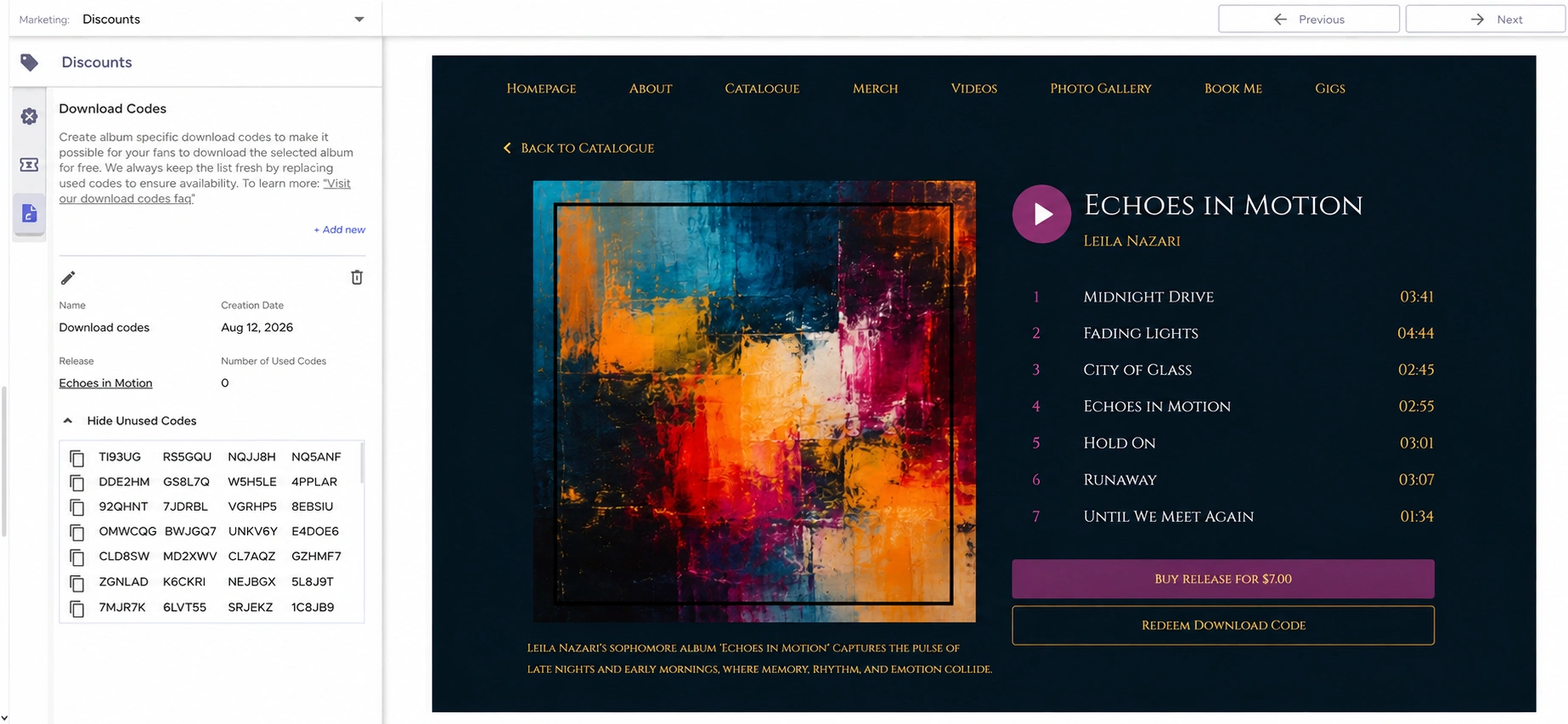
Codes and mailing lists fit together neatly, because the download is the part a subscriber gets out of the deal. There are two ways to run it.
The first is to send a code to everyone who joins, as the thing you promised on the signup form. The second is to send a batch to your existing list, usually in release week, so the people who already care hear it before anyone else. Either way the email has something in it for the reader, and it gives you a reason to write to subscribers who have been quiet for a while.
Give each recipient their own code. A single code pasted into a newsletter to four hundred people gets used once and annoys the other 399. Some newsletter tools generate a unique code per recipient, so a forwarded email still only lets one extra person in. If yours does not do that, send a small round by hand to the people it matters for.
If your list is still small, the guide to building an email list covers where the subscribers come from and what to send them once they are there.
The fan types the code and an email address, and the download link is sent to that address. The link is time-limited, so a forwarded email does not turn into a public download. On your own site this is also the moment they can tick a box to join your mailing list, so a giveaway can add subscribers while it hands out music.
Where that page sits decides who keeps the email address. Redeem on someone else's platform and the address belongs to them. Redeem on your own website and you have a fan you can email about the next release, with the download, the sale, and the mailing list all in one place.
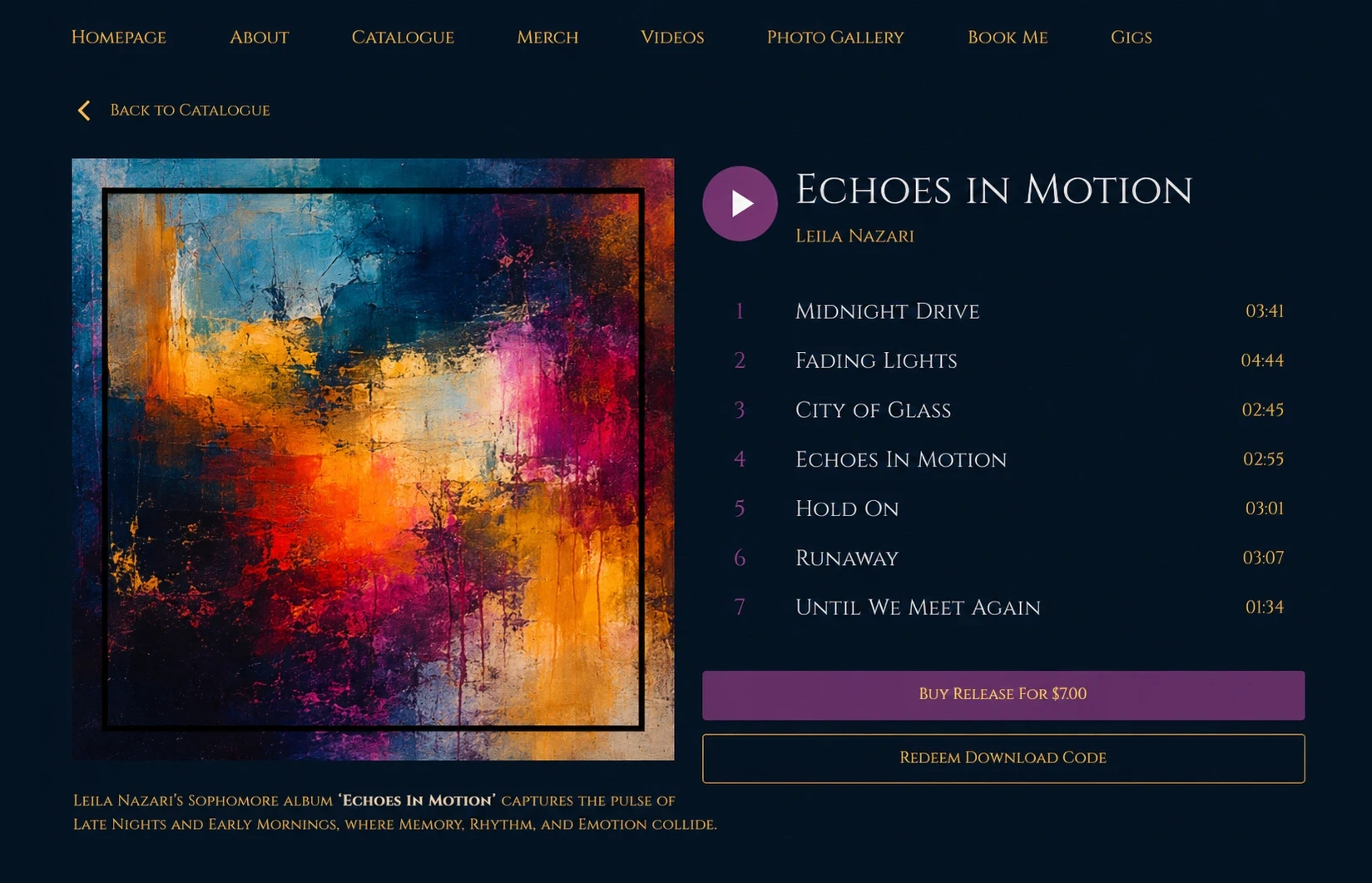
Build your own musician website
Music player, store, EPK, and mailing list, all built in. Start your 30-day free trial, cancel anytime.
Posting one code in public. A code on Instagram or in a Discord goes to whoever refreshes fastest, and everyone else gets an error message. Use a batch for anything public.
Handing over a code with no instructions. Nobody guesses the redeem address. Put it next to the code every single time, on the card, in the email, and in the caption.
Printing before testing. Reprinting a thousand cards because the address on them was wrong costs real money, and you only find out weeks later.
Giving away the whole catalog. Keep the offer to one release or one track. Free copies of everything make the rest of the store look strange next to them.
Making people sign up for an account first. Every extra step loses a few of the people who were doing you a favor by listening.
Losing the list. If you cannot find the codes, you cannot print them or send them. Keep the file with the release assets.
It depends on where they were made. Unused Bandcamp codes have no expiry date. Codes from your own store stay valid until someone redeems them or you delete the batch. The download link a fan receives after redeeming is usually time-limited, which is separate from the code itself.
Match the batch to the job. A pressing of 200 records needs 200 cards plus a spare handful for replacements. A promo round needs one per contact, so 30 to 50 covers most pitch lists. A hundred is a sensible default when you are unsure.
No. Each code works once, then it is marked as used. If you want fifty people to get a download, make fifty codes. Anyone entering a code that has already gone through gets told it is invalid.
No. Bandcamp is one option, and it is the one artists tend to run into first. A store on your own website can generate codes tied to a release, and a card printing service can do it for physical cards. What changes between them is where the fan redeems and who ends up with the email address.
MP3 at 320kbps is the safe default, because it plays everywhere and downloads quickly on a phone. Adding WAV or FLAC is worth it for DJs, collectors, and anyone in a genre where audio quality is part of the conversation. Offering both covers the whole room.
Yes, for promos, mailing list rewards, giveaways, and thank-yous. The insert in a record sleeve is the most visible use, and everything else on this list works the same without a pressing behind it. A code is a controlled way to give one person your music for free.
Download codes are a small feature that covers several jobs at once. They get a digital copy to the person who just bought the vinyl, and they get the release to a writer without a private link that expires. They also give people a concrete reason to join your mailing list.
Set up one batch for your next release, print the redeem address on everything the code appears on, and check the used count a week later. If you are planning the rest of the release around it, the music release checklist covers what to line up before, during, and after the day itself.
Get our new guides by email.
Practical advice on promoting your music, getting gigs and selling online. You can unsubscribe at any time.