Photo by Morgan Housel on Unsplash


Squarespace raised its prices in 2026. If your band or musician site lives there, the cost of keeping it online went up, and that's a good reason to stop and check whether it's still the right home for your music.
This post is for musicians, bands, and DJs who are on Squarespace, or thinking about it, and want a clear way to decide what to do. No panic, and no hard sell. Just how to read the change, whether it's worth staying, and how to move cleanly if you decide your money is better spent somewhere built for music.
Squarespace raised its prices in 2026, so your site costs more than it used to. How much more depends on your plan, your billing, and your region.
A price rise on its own isn't a reason to leave. The real question is whether you're getting music-specific value for what you now pay.
Squarespace is a general website builder. The things musicians lean on, selling music, an EPK, a mailing list, and a low-fee store, often sit behind higher tiers or need extra tools.
Before you decide, add up your true yearly cost: plan, add-ons, and sales fees together. That total is what you're really comparing.
If you switch, you keep your domain and move your content over. It's closer to a weekend job than a rebuild from scratch.
Not automatically. A higher price is only a problem if you're paying for things you don't use and missing the ones you need. Add up your true yearly cost, look at which music tools your plan includes, and compare that to a builder made for musicians before you move anything.
Squarespace adjusted its pricing in 2026, and subscribers are seeing the higher rates at renewal. The exact size of the change depends on which plan you're on, whether you pay monthly or yearly, and where you're based, so go by the figure in your own account rather than a headline number from an article.
The practical effect is simple: the same site you had last year now costs more to keep online. That's worth a few minutes of your time, because a website is a recurring bill, and recurring bills are the ones worth checking once a year anyway.
It's tempting to react to a price rise by hunting for the cheapest way out. Try not to. If Squarespace does everything you need, the design makes you happy, and the new price still feels fair for that, staying put is a perfectly good answer. Moving your whole site to save a small amount, only to lose features you rely on, is a worse deal than the increase.
The useful question isn't "is it more expensive?" It's "am I getting my money's worth for what I do as a musician?" That's a different check, and it's the one worth making.
Squarespace is a strong general website builder. It was built to make good-looking sites for restaurants, shops, portfolios, and small businesses, and it does that well. The catch for musicians is that the things you care about most tend to sit at the edges of a general tool.
Think about what your site has to do:
Sell your music and merch without a big cut taken from every sale.
Hold an EPK or press page you can send to bookers and press.
Grow a mailing list with a signup form and a way to send newsletters.
Play your music on the page, so fans can listen without leaving.
On a general builder, some of these need a higher-priced tier, a third-party plugin, or a separate paid service bolted on. Each add-on is another line on the bill and another thing to maintain. So the real cost of a general builder for a musician is often higher than the plan price suggests. A builder made for musicians tends to include these as standard, which changes the comparison. There's a wider breakdown of the differences in this guide to the best website builders for musicians and bands.
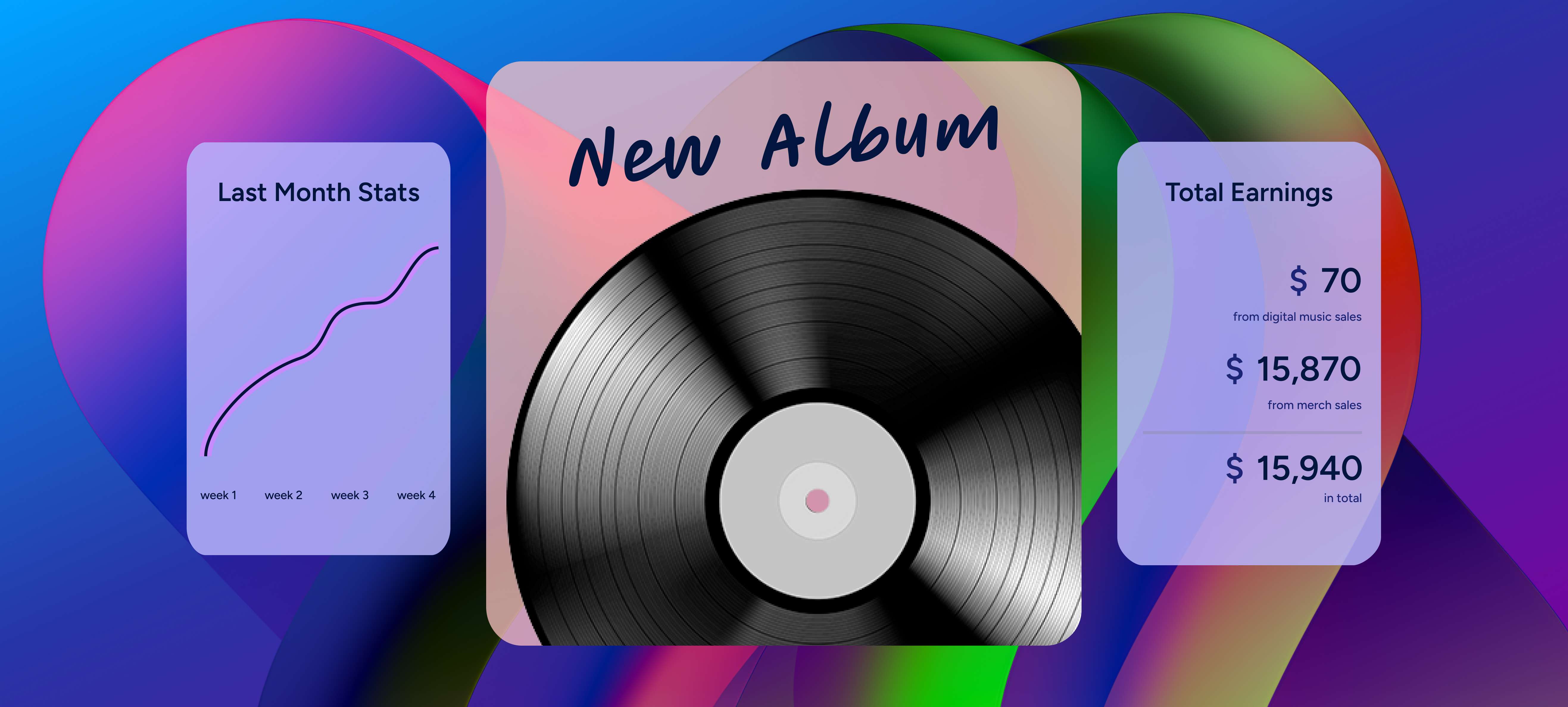
Before you decide anything, get your real number. The plan price on the pricing page is rarely what you pay across a year. Add these up:
Your plan's new annual price, after the 2026 increase.
Any add-ons you pay for: an email marketing tool, a higher e-commerce tier, plugins or extensions.
Sales fees, the commission and transaction fees taken from your music and merch sales over a year.
Your domain, if you pay for it separately.
That total is your true yearly cost, and it's the figure to compare against any other option. A plan that looks cheap can end up expensive once the store fees and add-ons are counted, and a plan that looks pricier can be the better deal if everything you need is already included. Comparing sticker prices alone is how people talk themselves into the wrong move.

Once you have your true yearly cost, you have three honest choices.
Stay. The value is there, the new price is acceptable, and moving would cost you more in time and lost features than it saves. A fine outcome.
Trim. You're paying for a tier or add-ons you don't really use. Drop back to what you need and the increase mostly disappears.
Switch. You're paying general-builder prices for a site that doesn't do music well, and a tool built for musicians would give you more for a similar or lower cost. This is where a move makes sense.
There's no right answer for everyone. The point is to pick on purpose, with your real numbers in front of you, rather than reacting to the word "increase."

If you decide to switch, the goal is more music value for your money. Look for a builder that includes, as standard:
A low or zero commission store for music, downloads, and merch, so more of each sale stays with you.
An EPK or press page built in, ready to send to bookers and press.
A mailing list with signup forms and newsletters, so you own your audience.
A built-in music player, so fans can listen on the page.
A domain and the technical SEO handled for you, so your name is findable without you touching code. (On a general builder you often set page titles and image alt text yourself. If your new builder does that automatically, that's one less job.)
A platform built specifically around this is covered on the Squarespace alternative for musicians page, and if you want the step-by-step of putting a site together, there's a full walkthrough in how to make a music website.
Moving sounds like a big job, but most of it is straightforward, and you do it while your old site stays live so nothing goes dark.
Keep your domain. You own yourname.com, so you keep it and point it at your new site, and the address fans and search engines already know stays the same.
Move your content over. Copy your text, images, bio, and song details into the new builder. A music-focused builder gives you the pages pre-made, so you're filling them in instead of designing from a blank screen.
Export your mailing list. Download your subscriber list from Squarespace before you cancel, then import it into your new site so you keep every fan.
Rebuild your store. Re-add your music, downloads, and merch. This is a good moment to check your prices while you're at it.
Redirect and update your links. Point old page links to the matching new ones, and update the link in your bio, your socials, and anywhere your site is printed.
Cancel last. Only close the Squarespace account once the new site is live and working. Never the other way around.

Build your own musician website
Music player, store, EPK, and mailing list, all built in. Start your 30-day free trial, cancel anytime.
Reacting to the word "increase." Switching to save a little, then losing features you use, costs more than the price rise. Base the call on your true yearly cost, and ignore the headline.
Cancelling before the new site is ready. Keep the old one live until the new one works, so your site never goes dark.
Letting your domain lapse. Your domain is your address and your search history. Keep it and point it at the new site, don't abandon it.
Forgetting to export your mailing list. Download your subscribers before you close the account. That list is the audience you own, and it's hard to rebuild.
Rebuilding everything from scratch. Move your existing content over. A builder with ready-made musician pages saves you the blank-page work.
Skipping the redirects. Send your old page links to the new ones, so you don't lose the visitors and search traffic those pages already had.
Yes. Squarespace increased its pricing in 2026, and subscribers are seeing the new rates at renewal. The size of the change depends on your plan, your billing cycle, and your region, so the amount shown in your own account is the one to go by.
It can be, but it depends on what you need. Squarespace is a strong general website builder. For musicians, the extras that matter, a low-fee store, an EPK, a mailing list, a music player, often need a higher tier or third-party tools, which raises the real cost compared to a builder that includes them.
Not on its own. Work out your true yearly cost first, plan plus add-ons plus sales fees, and compare it to what a music-focused builder would give you. Switch only if you're paying general-builder prices for a site that doesn't do music well.
Look for a builder made for musicians, one that includes a low-commission store, an EPK, a mailing list, and a music player without paid add-ons. A musician-focused option and how it compares is laid out on the Squarespace alternative for musicians page.
Yes. You own your domain, so you keep it and point it at your new site. You also export your mailing list and move your content across. Do it all while the old site is still live, and cancel only once the new one is up.
A price increase is a small annoyance, but it's a useful prompt. Once a year, it's worth asking whether your website is earning its keep, and a bill going up is as good a reminder as any.
Work out what you really pay, weigh it against what you get as a musician, and decide from there. Staying is fine if the value's there. If it isn't, a builder made for music can give you more for your money, and moving to one is far less work than most people expect.
Get our new guides by email.
Practical advice on promoting your music, getting gigs and selling online. You can unsubscribe at any time.